A New Coat of Paint | The Dream Home
By Star_Pegasus
Community Rating
A New Coat of Paint
Interior redesign. Exterior customization. Preserved flexibility.
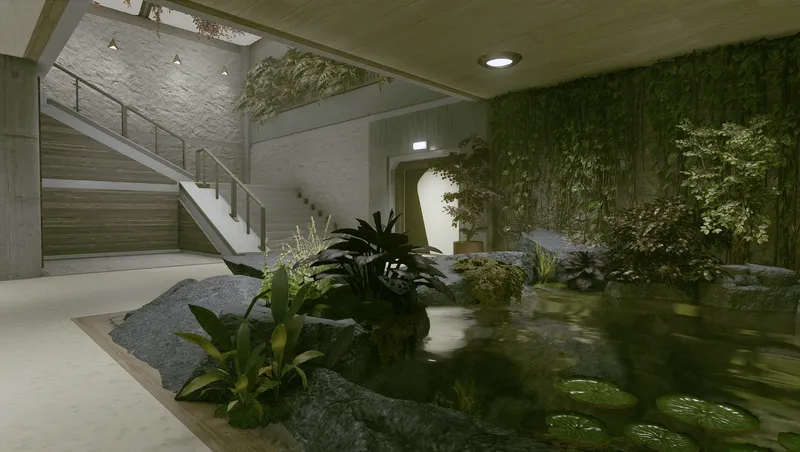
Featuring new interior materials, architectural alterations, and a custom furniture collection designed for the home’s open decorating areas.
The Dream Home interior remains a separate cell and retains its existing loading transition. No changes have been made to how the Dream Home is obtained, its price, or the quest controlling access to it.
Select the Dream Home trait during character creation to receive the property—the associated quest begins automatically after completing One Small Step. To pay off the 125,000-credit mortgage, speak with Landry Hollifield at GalBank in New Atlantis' Commercial District.
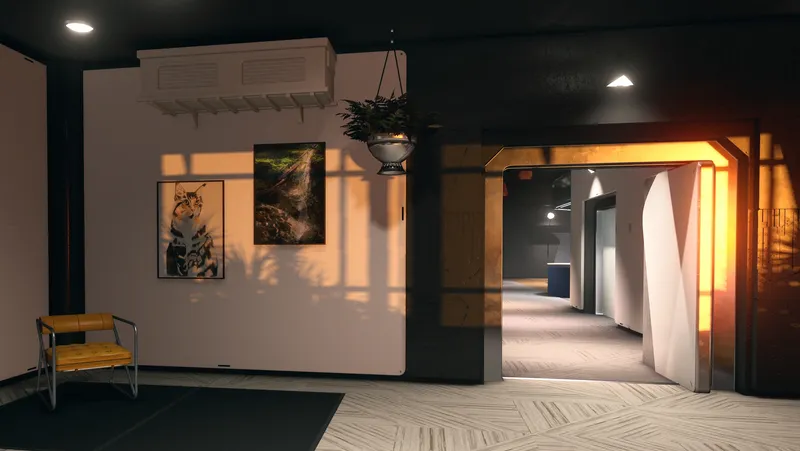
Interior Overhaul ⠀› Kitchen | Expanded with new counter cabinets, a pantry alcove around the wall decorator switch, and a passage from the entry area to the rest of the home. ⠀› Sunken Room | Replaced with a water garden. ⠀› Upper Landing | Converted into a den anchored by a bespoke fireplace. ⠀› Large Bedroom | Redesigned to include a dedicated closet space featuring an interactive Enhance! mirror (free to use) and apparel storage. ⠀› Upstairs Hallway | Added a custom laundry closet with a built-in Spacesuit Workbench. ⠀› Windows | Treatments include a vaulted glass ceiling in the stairwell and updated window panels in every room.
Exterior Touchups An exterior decorator panel has been installed, and the default vanilla furniture has been cleared, allowing for full customization of the deck. Buttons have been added to the deck and front entry to hide or show the leaf debris, which is visible by default.
Note | To preserve the property's identity as a private residential home, decoration is intentionally limited to the deck, foundation, and immediate exterior of the house, and only the Interior categories of the build menu will be available. The outpost flycam is blocked in this decoration mode.
Collectibles A curated selection of items have been placed throughout the home for players to discover.
Furnishings
A variety of items designed for the open decorating zones is included: seating, tables, artwork, planters, displays, workbenches, storage containers, and outdoor living pieces. Some furnishings from the original deck layout are available as well. There are no research, perk, or quest completion requirements to access these items, which are found at or near the bottom of the Furniture tab. All items are built with vanilla-aligned recipes.
Design Notes & Known Quirks
⠀› Access Requirements | Before Landry Hollifield will offer dialogue about the Dream Home mortgage, the player must accept his side quest, Due In Full.
⠀› Built-in Display UI Desync | This is a known issue and a bug report has been submitted to the developers. When items are placed in the built-in displays and the cell is refreshed by returning after leaving, display lists will be blank even though items are still in them. ⠀⠀⠀Workaround | To reconnect the lists, make a save (any works, quick, manual, or exit) and then reload that save. The list should show all items placed in the display. ⠀⠀⠀Note | This desync error does not affect player-built workshop items.
⠀› Display Bookcase | This is a multi-item display with slots for helmets, weapons, books, and miscellaneous items. Depending on the size of items and any attachments on weapons, items may clip with adjacent slots or through the front or back of the bookcase.
⠀› Toggle Buttons Reset | The buttons controlling the visibility of the fire and leaf debris revert to their initial position when the cells reset, though the fire and leaves will remain hidden. The button may need to be pressed twice to resync the button to the visibility.
Compatibility & Installation
⠀› Precautions: Always make a manual/hard save before installing mods. Ensure your character is not at the Dream Home when installing this mod. ⠀› New Save/NG+ Recommended. However, it is safe to install mid-playthrough on characters with the Dream Home trait. After installation, wait on Venus for 24 in-game hours to refresh world data. ⠀› IMPORTANT: Empty/Undecorated Space Strongly Recommended. Best to install before adding any decorations to the home OR remove any built or placed items and leave the location before installing. Significant changes have been made to certain parts of the interior. Behavior when loading this file into an already decorated cell has not been tested and is not advised. ⠀› Conflicts: Significant changes have been made to the Dream Home interior and exterior cells. This mod is not compatible with any others that edit the Dream Home. ⠀› Suggested Load Order: Below official BGS content, at or near the top of the list, or grouped with other mods that edit world cells. ⠀› If Disabling or Deleting: To protect your save file, it is best to ONLY remove this mod when you are about to initiate NG+ or start a new save. If it must be removed, ensure all items are clear from any player or NPC/ship inventory, the character is not at the Dream Home, and revert to a save made before installing the mod.
Contact Info
For support and feedback, please visit my author channel in the Collective Modding server on Discord https://discord.gg/JnmckM5fzZ
Special thanks to Saskia for testing and feedback!

Quick Actions
Your Rating
Sign in to rate and review this mod - your vote helps the community.
- Published
- Aug 25, 2026
- Last Updated
- Jul 22, 2026
- Platforms
- Playstation, PC, Xbox

Explore more Starfield creations for Homes. Browse all Homes mods →
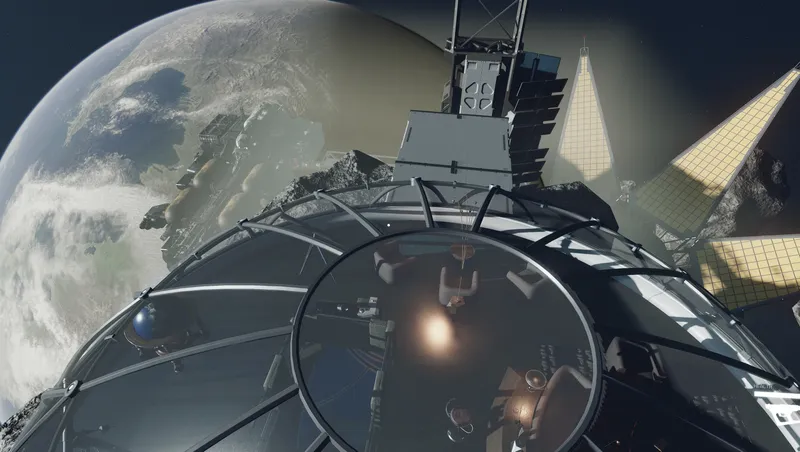
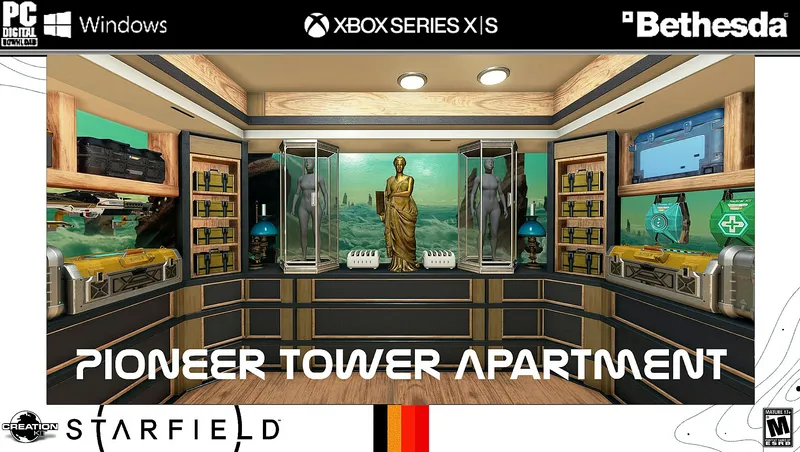
Morrev´s Haven Home Base
Follow a distress beacon to Morrev's Haven, uncover its tragic story, complete quests, collect rare items, play minigames, and enjoy an asteroid home with tons of storage.
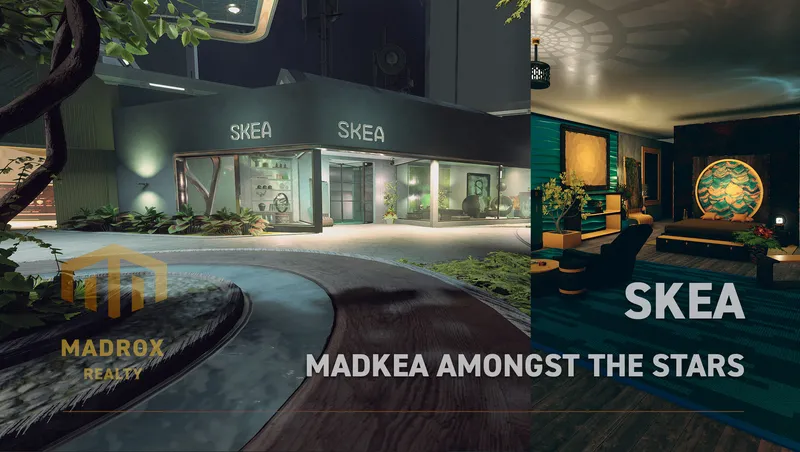
SKEA
SKEA is the place to be for your original decoration needs. More then 8.000 unique buildables are waiting for you to use in your ships, outposts and homes.
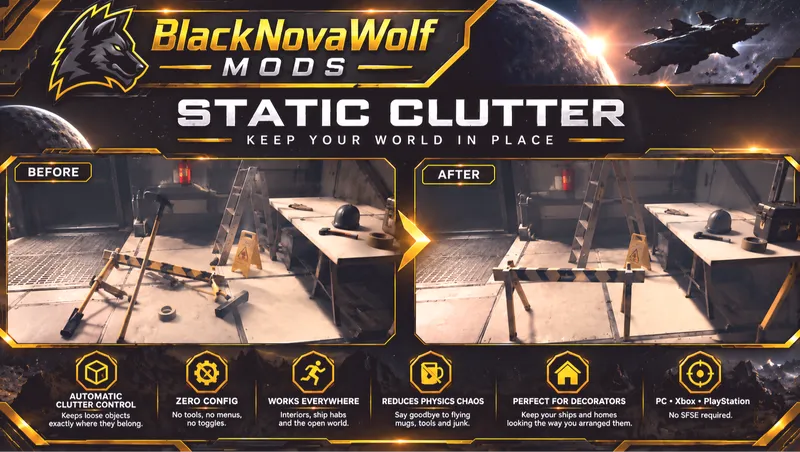
BNW Static Clutter
BNW Static Clutter automatically prevents ordinary loose clutter and miscellaneous world objects from being knocked around by physics.
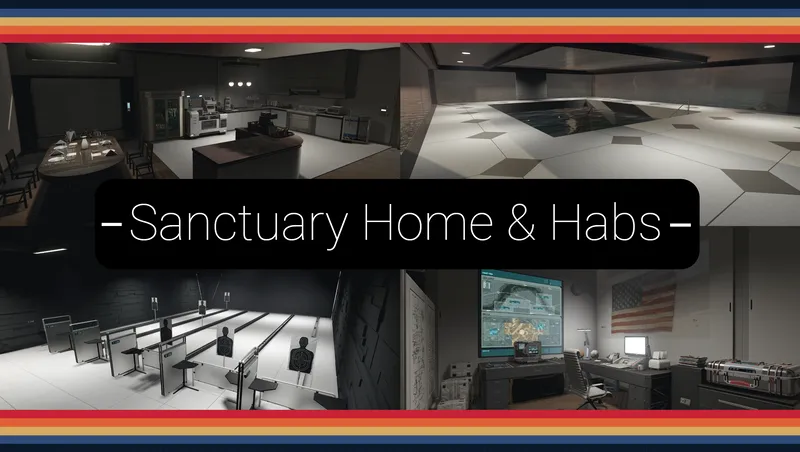
Sanctuary - Home and Outpost Habs.
A F04 lightly inspired player home and outpost hab set; with working/animated features: Showers, Bathtub, Jukebox, Kitchen Appliances, Auto-Doc, Shooting Range, Pool House, ect.
Explore more Starfield creations for Immersion. Browse all Immersion mods →

GRiNDTerra Industries ALL DLC Expansion
Adds Shattered Space and Terran Armada Items to GRiNDTerra Industries
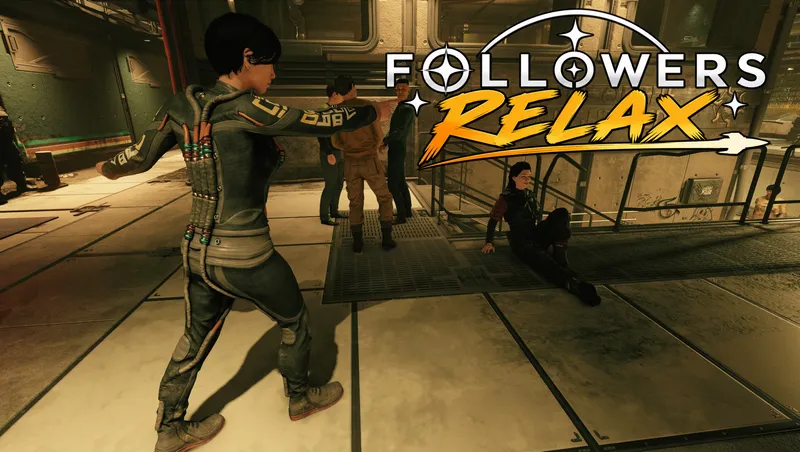
Followers Relax
A simple mod that changes the vanilla wait function so that active followers will idle "sandbox" in the immediate area rather than standing still like a stone forever.
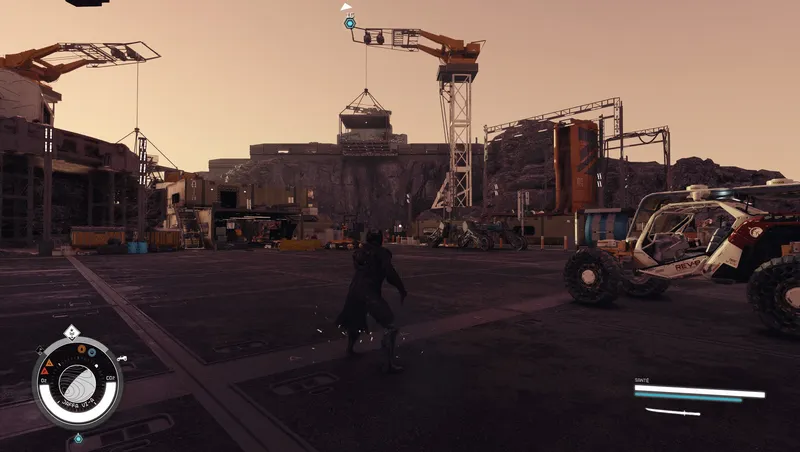
Healing Power
Modification of the Moon Form power Moon Form—now called Restoration—will heal you over a duration of 6 seconds.
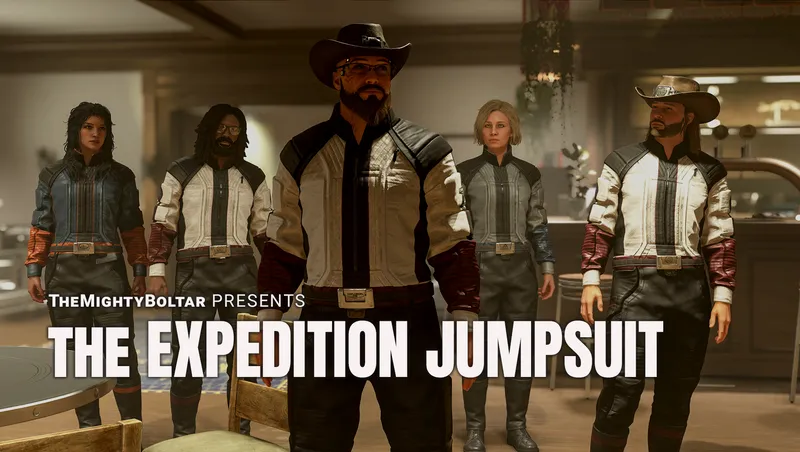
Roy's Locker: Expedition Jumpsuit
Inspired by Micheala Roriston's Dobie Gellar stories. Expedition outfits for men and women, with 21 skins, a quilted leather yoke, stand collar, and polished steel belt buckle.