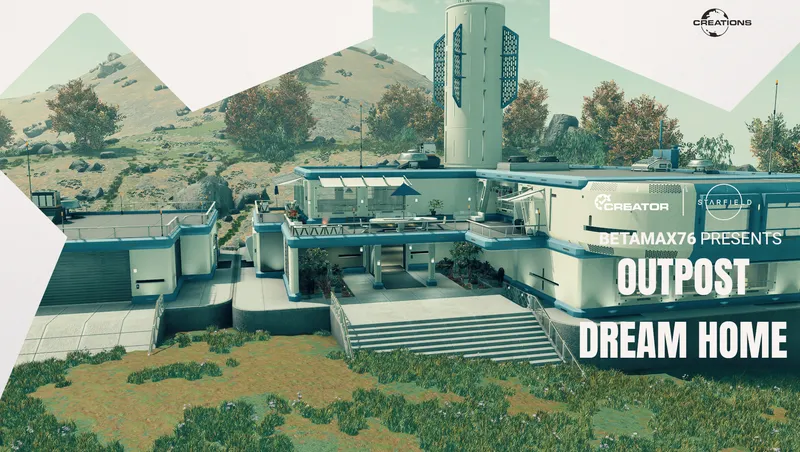
Outpost Dream Home
By Betamax76
Community Rating
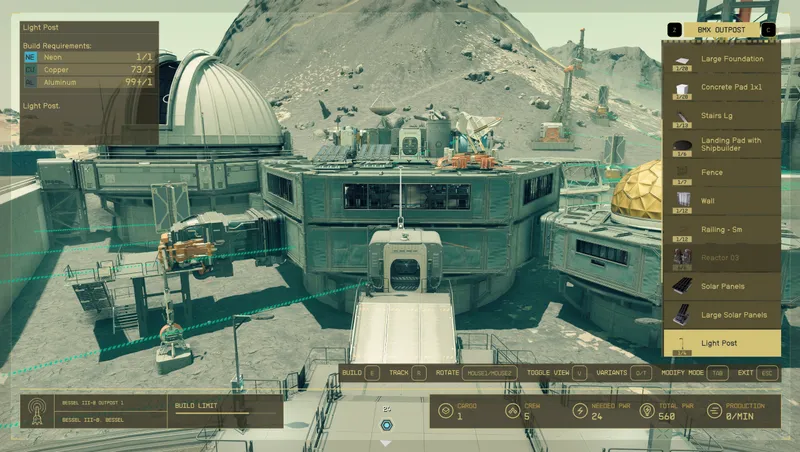
I like the dream home, but prefer more interesting planets to call home. This adds a new menu tab to the outpost builder that allows you to build a dream home wherever you like, No perk required! Please note that this does not unlock the normal location. You still need the perk for that.
Adds:
-
Structures for Outposts.
-
Four Home color variants.
-
Matching Garages.
-
Matching Landing pads and cargo links. (Normal vanilla limits.)
-
Matching outpost walls.
-
Storage containers with color options. All can hold 999 and count as transfer containers if needed.
-
Small solar and wind power options. These should match with the small vanilla options and availability based on planet conditions.
-
Furniture.
-
Many of the furniture and decorative items found in the house can be crafted in the build menu in outposts, ships, and player homes.
-
Some objects found in the home are static for safety, but the crafted variants may be a container.
-
Couches that snap together.
-
Working boombox that plays a few songs already found in-game.
-
A few animation markers that the player can use, and npcs may sometimes use.
-
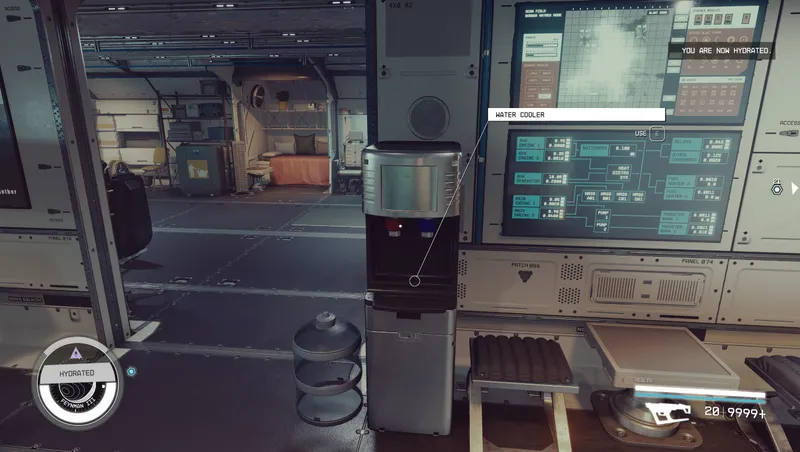
Working drink dispensers.
-
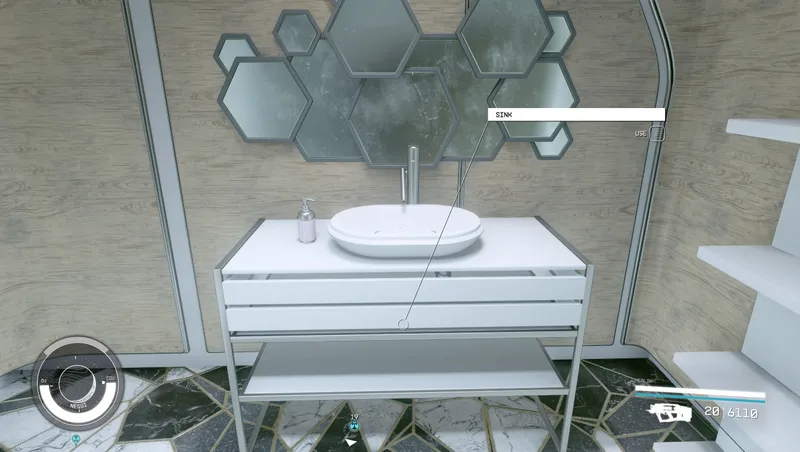
Snapping kitchen counters with working stoves and sink.
-
All sinks can be used to hydrate.
-
Toilet, shower, and workout equipment can be used for a small temporary buff.
-
Working Enhance mirrors. I made these free to use as it's your own home and you pay to build it.
-
Working bookcase displays.
-
Working hat racks for hats and helmets.
-
A few recolors of some misc. item displays.
-
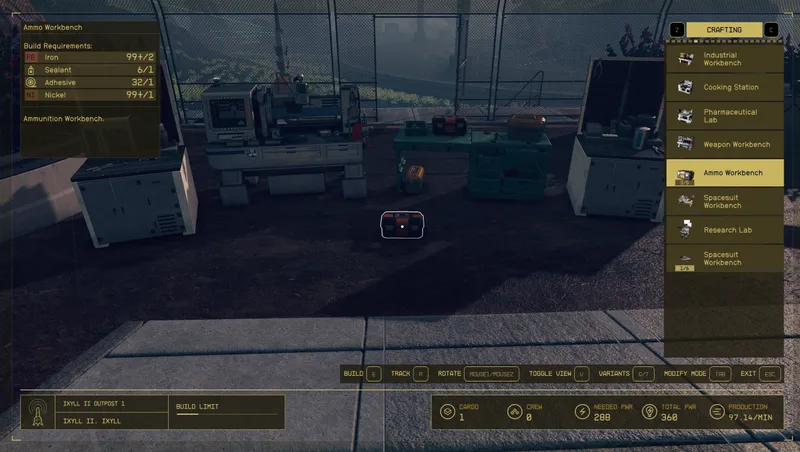
Workbenches that snap together with a few matching counters.
-
A few simple desktop terminals for regular missions, Constellation missions, bounty clearance, and research.
Home Features:
-
Fully navmeshed. Tested with multiple companions, and crew seem to path well when a crew station is built inside.
-
Many of the ceiling lights can be toggled by interacting with the light fixture itself.
-
Bathrooms are pre furnished and have interactive objects.
-
Any containers found are always there and are safe to use. (999 storage limit)
-
Rotating interior decoration options. You can leave them empty or change them in build mode.
-
Garage has 2 workbench options.
-
Entryway has 2 furniture options.
-
Kitchen has 2 decorative options with available food.
-
Dining area/kitchen bar has 2 options. Starts with the wall frame into the kitchen.
-
Living room is split into 4.
-
Main and upper living room have 2 options each.
-
Lower living room wall has 3 options, all with a fireplace.
-
Upper living room wall has a fish tank, terrarium, or simple art option.
-
The upper hallway has 2 options.
-
Upstairs middle area can be a juice bar, or regular bar.
-
Upstairs back area has 2 game lounge options or a workout area.
-
Smaller bedroom can be single or bunks.
-
Master bedroom has 2 options.
-
Closet shelves share 3 options.
-
Patio has 2 options.
-
Fire pit can be enabled or made just a floor mat in build mode.
Known Bugs:
- If lights don't appear at first, turn them on and off if possible or quick save and reload. They should be fine from then on.
Uninstalling:
- The safest way is to wait until a new game or new game plus.
- If you want to remove it mid game be sure to remove any and all items built from this Creation first.
Contact:
Release notes
Xbox
-
1.03- Fixed an error with the placeable stereo that could cause a crash in the shipbuilder or when removing an outpost beacon where the stereo was built.
- Fixed some garage walls that were slightly off.
- Increased storage of containers from 999 to 2,000 -
1.021Added Playstation version.
-
1.02Bug Fixes:
- Added custom collision to planters 3 and 4 to address placement issues.
- Added a new Telescope with custom collision for easier placement. The old one can still be used and safely removed.
General:
- Added custom placement previews for more consistent placement.
- Increased spell duration for some interactive objects.
New Items:
- Working bookcase displays.
- Wood and white options for the standing hat rack.
- More toilet colors.
- Cleaner weight bench and pull up bar options. (Weights may show the old texture when in use)
- Push up mat. -
1.00== Describe this release ==
-
1.01- Split some lists for easier use, and added a few more decor color options.
- Two new color options for the structures.
- Matching pools that snap like the garages.
- Added some pool accessories.
- More patio umbrella options.
- Added a functional hat rack and hook to the display list that can hold hats and helmets.
- Fixed a texture issue on the solar panel bases and added more options.
- Added more windmill color options.
- Added a small generator with color options.
- Added a lvl. 2 scan booster with color options.
Playstation
-
1.03- Fixed an error with the placeable stereo that could cause a crash in the shipbuilder or when removing an outpost beacon where the stereo was built.
- Fixed some garage walls that were slightly off.
- Increased storage of containers from 999 to 2,000 -
1.021Added Playstation version.
PC
-
1.03- Fixed an error with the placeable stereo that could cause a crash in the shipbuilder or when removing an outpost beacon where the stereo was built.
- Fixed some garage walls that were slightly off.
- Increased storage of containers from 999 to 2,000 -
1.021Added Playstation version.
-
1.02Bug Fixes:
- Added custom collision to planters 3 and 4 to address placement issues.
- Added a new Telescope with custom collision for easier placement. The old one can still be used and safely removed.
General:
- Added custom placement previews for more consistent placement.
- Increased spell duration for some interactive objects.
New Items:
- Working bookcase displays.
- Wood and white options for the standing hat rack.
- More toilet colors.
- Cleaner weight bench and pull up bar options. (Weights may show the old texture when in use)
- Push up mat. -
1.00== Describe this release ==
-
1.01- Split some lists for easier use, and added a few more decor color options.
- Two new color options for the structures.
- Matching pools that snap like the garages.
- Added some pool accessories.
- More patio umbrella options.
- Added a functional hat rack and hook to the display list that can hold hats and helmets.
- Fixed a texture issue on the solar panel bases and added more options.
- Added more windmill color options.
- Added a small generator with color options.
- Added a lvl. 2 scan booster with color options.
Additional Screenshots Available
This mod has 11 additional screenshots available on the official Bethesda.net page.
View All Screenshots on Bethesda.netMod Feedback Thread
r/starfieldmodfeedbackThis is a dedicated feedback thread where users can provide direct feedback on this mod.
YouTube Videos
Community Rating & Feedback
No reviews with comments yet.
Be the first to leave a review!
Related Starfield Mods
By Betamax76 • 2 years ago
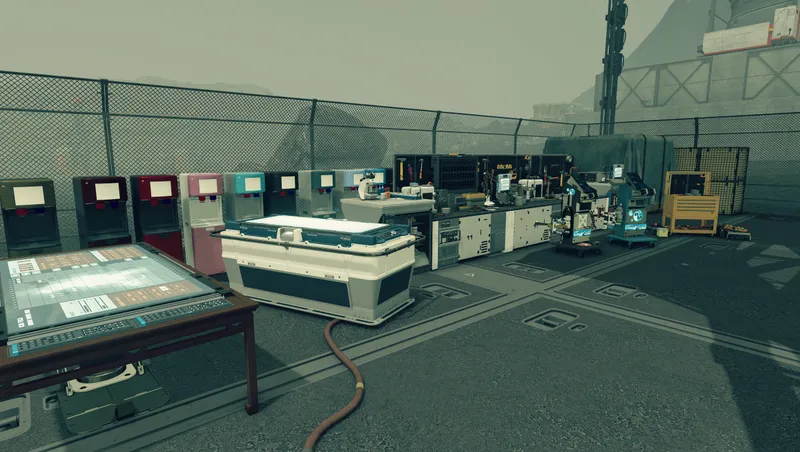
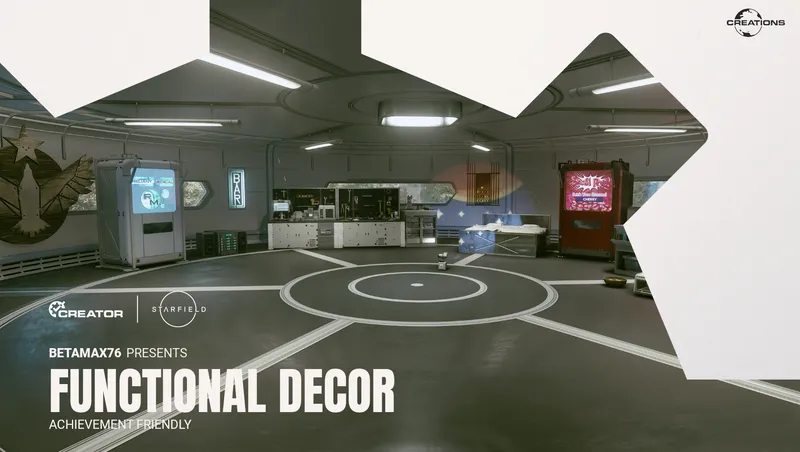
Adds over 1,000 mostly functional decorations for outposts, player homes, and ships.
By Betamax76 • 2 years ago
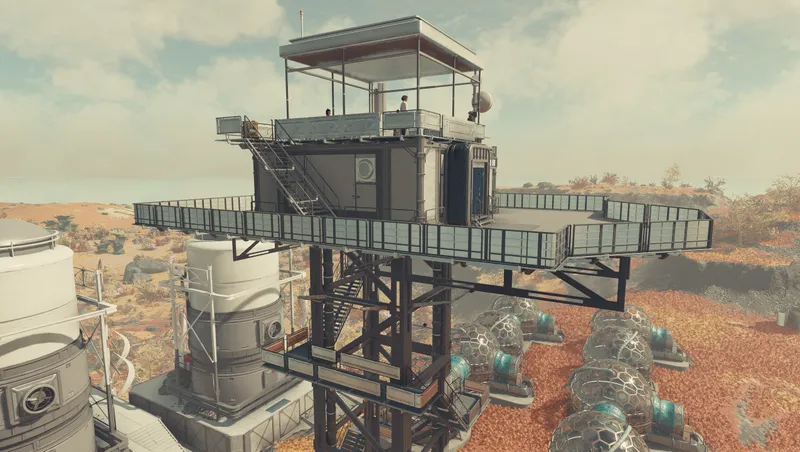
Tower homes for your outposts. 2.5 See description notes if updating! Requires re-build
By Dialectric • 2 years ago
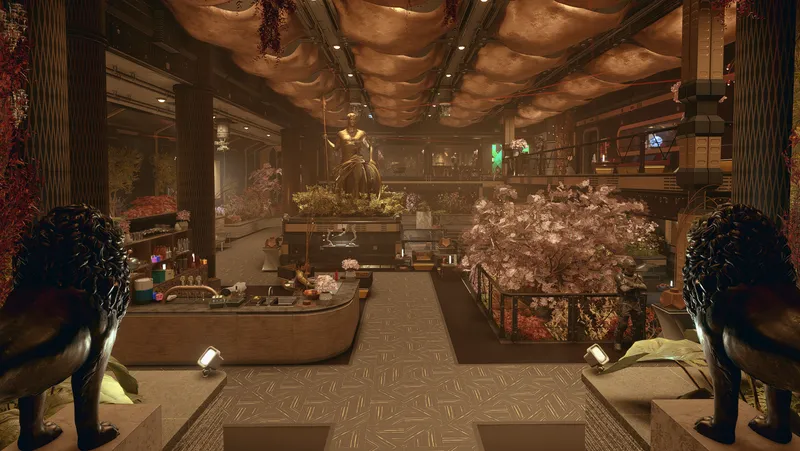
Player Home with rich Merchants, Custom Player Ship, pre-existing unique Companion, 300 buildable Outpost objects, 11 pre-existing quest starters, All Backgrounds & Traits.
By DownfallNemesis • 2 years ago
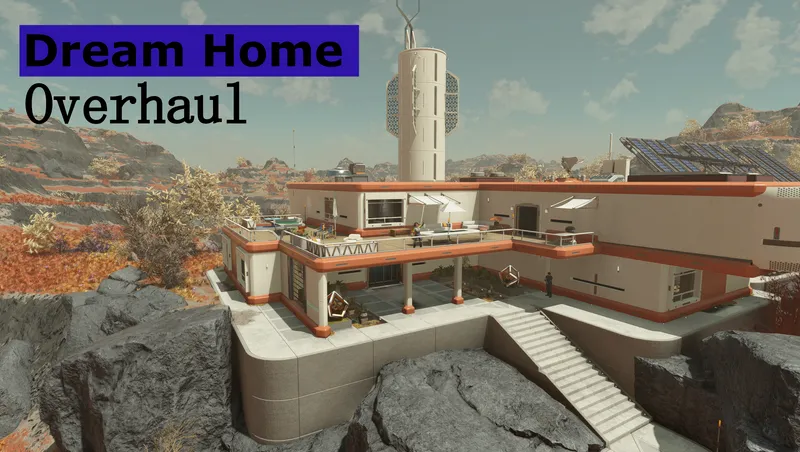
Overhaul of the Dream Home. Moved the homes interior into the exterior cell of Nesoi. Added several buildings outside which contain all workbenches, a vendor and a ship builder!
Quick Actions
Your Rating
Sign in to rate and review this mod—your vote helps the community.
Community Rating
Categories
Mod Information
- Published
- Dec 02, 2025
- Last Updated
- Apr 28, 2026
- Platforms
- Playstation, PC, Xbox
Search Mods
More by Betamax76
Related Starfield Mods