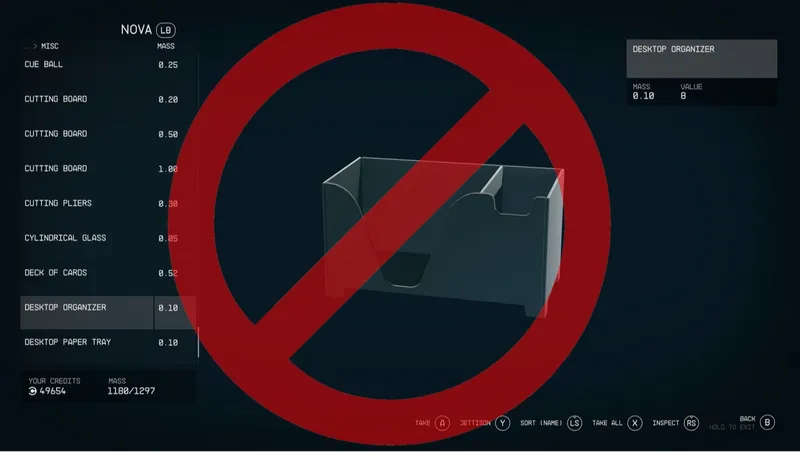
Jettison All Junk
By LBGSHI
Community Rating
Do you dread modifying your ship (or temporarily commandeering another ship) because you know your ship's cargo will be filled with every useless junk item aboard? Are your hands and fingers getting a little too much exercise by individually jettisoning hundreds of unnecessary items? Would you like to stop spending so much time managing this problem and just get back to having fun? Then this is the mod for you.
Jettison All Junk makes your ship automatically and silently jettison all Misc items marked by the game as "junk", every time the game unloads your ship from memory. This means you can ignore any junk in your ship's inventory and go about your day, and when you return those items will be gone.
In case you're curious which items are "junk", someone has carelessly left a book under the couch in your room at the Lodge, which happens to contain a list of these items.
Notes:
All "junk" items are in the Misc item category, but many Misc items are not affected and will remain in your ship's cargo (digipicks, credits, Astra, and many others) as will all non-Misc items.
Any remaining Misc items are not considered "junk" by the game and are often related to quests, whether needed for them at some point or granted by them at some point. If they're not currently being used by a quest, the player can jettison them manually if desired.
Some "collectible" items such as non-quest-related antiques, trophies, ranger badges, and plushies are considered "junk", so if you want to keep those, move them to another container such as the Captain's Locker or a container added via the Decorate menu (or the player's inventory, or a safe container such as the bedroom safe at the Lodge).
The automatic jettison mechanism only triggers when the game performs an Unload of your ship. This generally occurs when you exit your ship and then go through a loading screen door (other than the loading bay of your ship), travel quite far outdoors, or fast travel, including fast traveling while on your ship. If you happen to have "junk" items you wish to keep stored in your Captain's Locker when you change your c0ckpit at a ship technician, or stored in containers you built in a hab when you replace or remove that hab, you will be able to go grab them from your ship's cargo before they're jettisoned, as long as you don't fast travel in a way that uses your ship (off world, across a world, etc.) or visit your ship and then go through a loading screen door other than your ship's loading bay. To be safe, though, it's recommended to grab any "junk" items you want to keep from those containers before replacing or removing your c0ckpit or the habs those containers are in.
Enjoy!
- LBGSHI
(if you'd like to reach me, you can find me on the Bethesda Game Studios Discord server: https://discord.gg/bethesdastudios)
Release notes
Xbox
-
1.00== Describe this release ==
PC
-
1.00== Describe this release ==
Additional Screenshots Available
This mod has 3 additional screenshots available on the official Bethesda.net page.
View All Screenshots on Bethesda.netYouTube Videos
Community Rating & Feedback
No reviews with comments yet.
Be the first to leave a review!
Related Starfield Mods
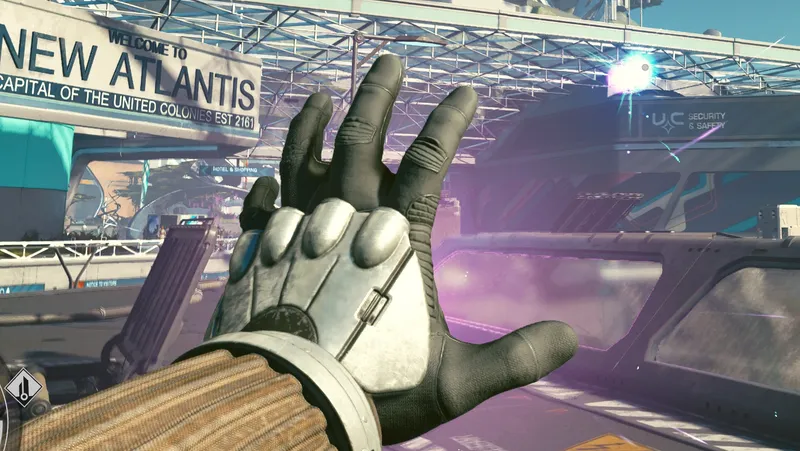
By LBGSHI • 2 years ago
All Starborn powers can now be cast for zero cost, as often as you like, including any upcoming or modded powers.

By LBGSHI • 2 years ago
Automatically solve temple puzzles - simply wait for the rings to spin and the first anomaly to appear, and the puzzle will be solved instantly.
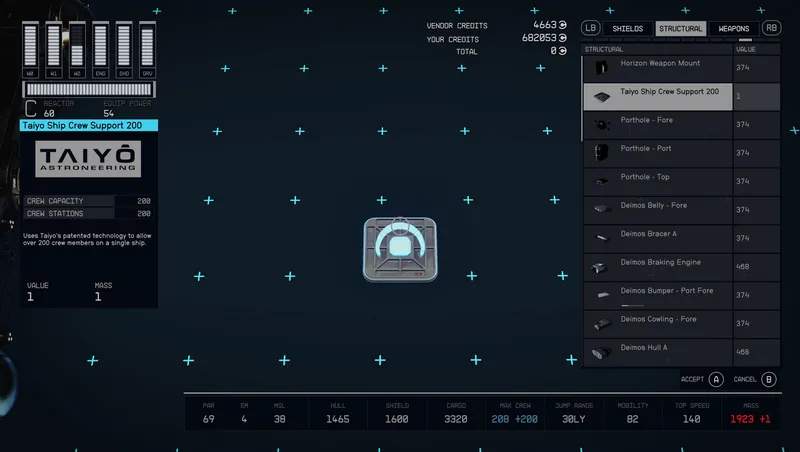
By LBGSHI • 2 years ago
Allows you to assign over 200 crew to your ship, regardless of Ship Command skill level.
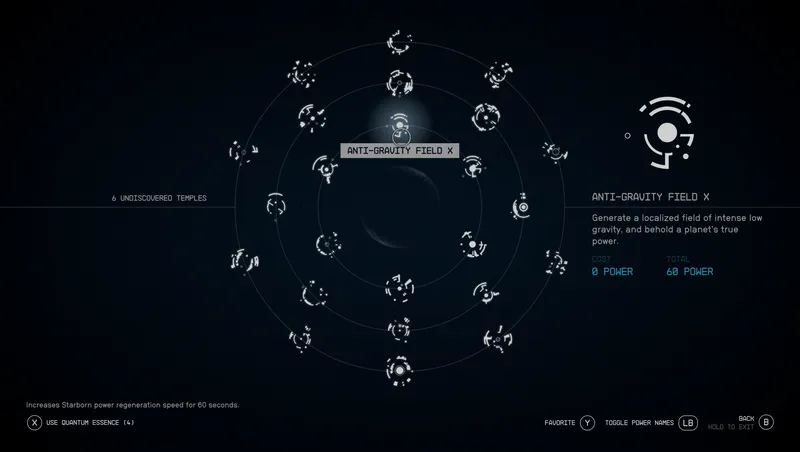
By LBGSHI • 2 years ago
Grants all 24 Starborn powers, up to max level if desired.
Quick Actions
Your Rating
Sign in to rate and review this mod—your vote helps the community.
Community Rating
Categories
Mod Information
- Published
- Jun 23, 2025
- Last Updated
- Jun 23, 2025
- Platforms
- PC, Xbox
Search Mods
More by LBGSHI

Related Starfield Mods