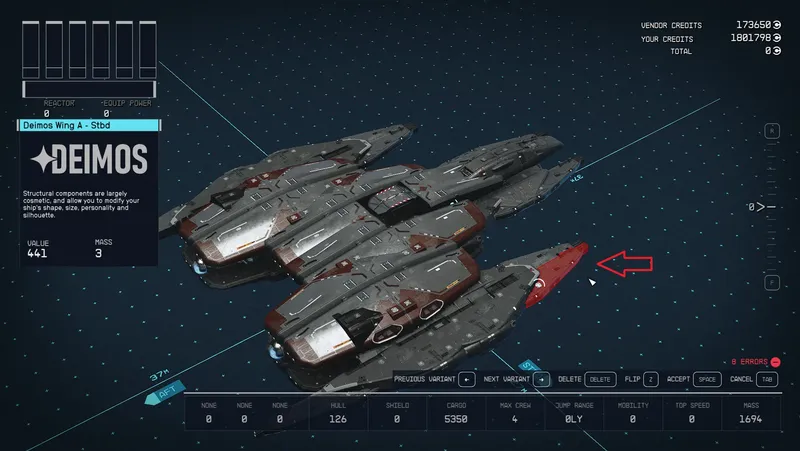
Ship Builder Configurator - Achievement Friendly
By GrizBane404
Community Rating
Description
Achievement-Friendly version of the Ship Builder Configurator plugin for PC.
Creates new Game Play Options that allow one to customize pretty much every aspect of the Ship Builder tool:
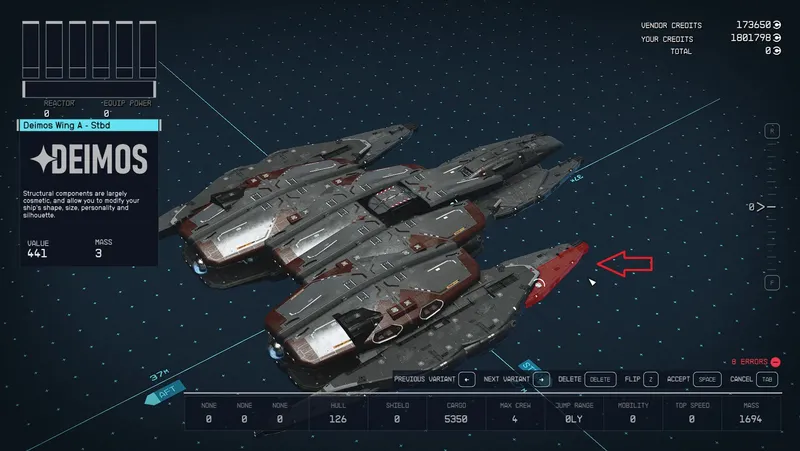
- Build ships with merge/overlapped components without awkward "glitch" techniques
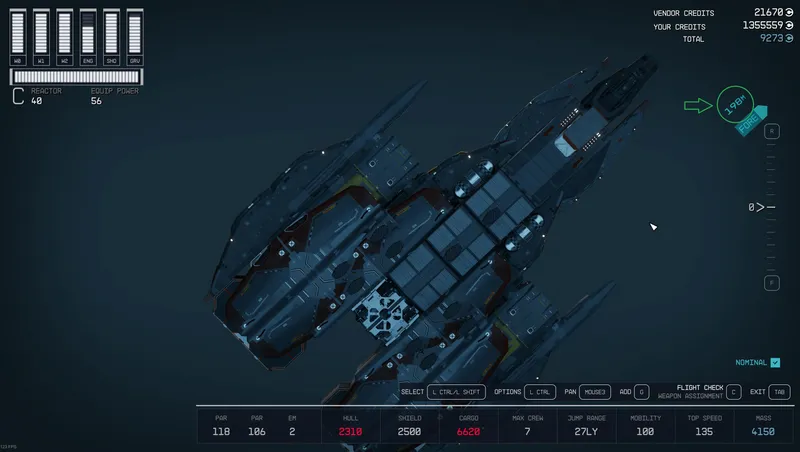
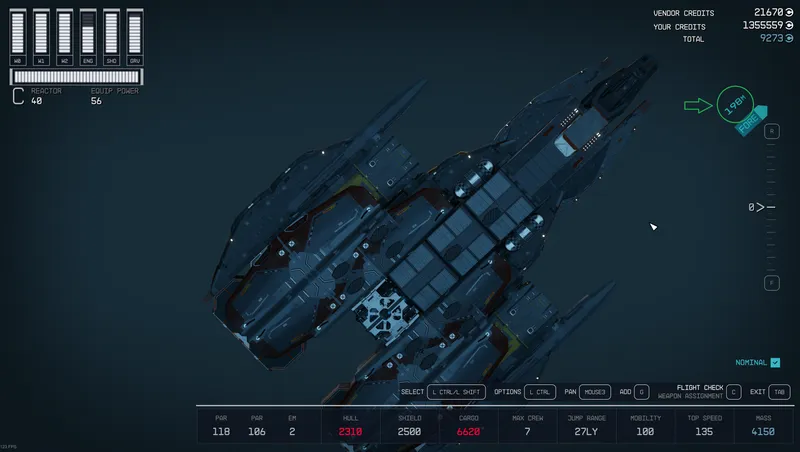
- Build very large ships both in terms of size and number of modules
- Expand the number of ships that one can have in their personal fleet
- Customize how the Ship Builder UI interface operates for a personalized ship building experience
- Enable access to ship modules that are not normally available for player user
- Enable access to the ComSpike and Conduction Grid modules even if the Crimson Fleet is defeated
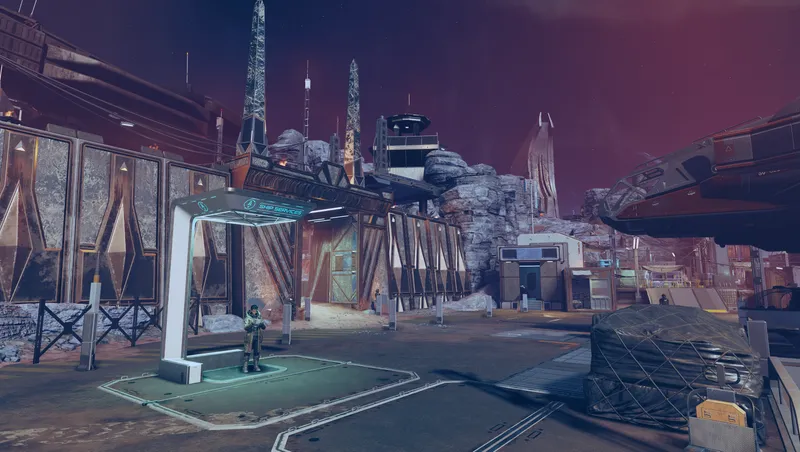
- Reconfigure Ship Services Technicians to have a wider availability of ship modules
- Move the Mantis "Transponder" from the Razorleaf to any other ship in one's fleet
All of these features are available in a single plug-in and can be mixed and matched to suit each player's individual tastes. The features can also be changed dynamically while playing the game by simply going into the in-game settings menu.
As of version 2.1.0 this plugin also support text localization for all nine languages supported by Starfield.
The Game Play Options
The Game Play Options can be changed in-game by hitting 'ESC' then clicking on 'Settings' and the clicking on 'Game Play Options'. These options can be changed as often as one likes at any time that one likes and are saved as part of one's save game.
The new options added by this plug-in are:
- Module Overlap Checks - allows one to disable checks for overlapping modules entirely
- Module Overlap Tolerance - allows one to merge/overlap ship modules without using the legacy "glitch" techniques
- Maximum Ship Size - allows one to create ships that are larger than the default 80m x 80m x 40m
- Maximum Ship Modules - allows one to create ships that have more than the default 130 modules
- Maximum Owned Ships - the maximum number of ships that a player can own
- Enable Class-M Modules - allows one to add Class-M modules to a ship design - note that the Piloting Skill is altered such that Level 4 allows piloting on Class-M ships (see below for limitations)
- Snap Distance - the distance at which a module will snap to a snap point
- Zoom on Add Module - indicates whether the Ship Builder will zoom in when adding a module to a ship
- Min/Max Floor Limits - how far one can move the Ship Builder floor up and down
- Floor Change Speed - how fast the floor will move for each up/down button click
- Maximum Zoom Distance - the maximum distance to which one can zoom out
- Minimum Zoom Distance - the minimum distance to which one can zoom in
- Keyboard Pan Speed - the rate at which the Ship Builder will pan when using a keyboard
- Mouse Pan Speed - the rate at which the Ship Builder will pan when using a mouse
- Mouse Rotation Speed - the rate at which the Ship Builder will rotate when using a mouse
- Mouse Zoom Speed - the rate at which the Ship Builder will zoom when using a mouse
- Gamepad Pan Speed - the rate at which the Ship Builder will pan when using a gamepad controller
- Gamepad Rotation Speed - the rate at which the Ship Builder will rotate when using a gamepad controller
- Gamepad Zoom Speed - the rate at which the Ship Builder will zoom when using a gamepad controller
- Mantis Transponder - allows one to move the Mantis "Transponder" to another ship
- Basic Modules - allows one to make all Basic Ship Modules available at Ship Services Technicians
- Exclusive Modules - allows one to make all Exclusive Ship Modules available at Ship Services Technicians
- Smuggler Modules - allows one to make all Smuggler Ship Modules available at Ship Services Technicians
- Pirate Modules - allows one to make all Pirate Ship Modules available at Ship Services Technicians
- Recover Mode - allows one to reset the Ship Services extensions after an unclean uninstall
The Mantis Transponder
Once on acquires the legacy Razorleaf ship, enabling this option will add dialogue options for all Ship Services Technicians to move the transponder to/from one''s home ship.
Note that the "Mantis Transponder" is a virtual component. It does not show up on one's ship nor in one's inventory.
Please consult the Nexus page for this plug-in for more details: https://www.nexusmods.com/starfield/mods/11077
Ship Services Options for Ship Modules
These options will add keywords to various groups of Ship Services Technicians to make a wider array of ship modules available from those technicians. Note that this option does not change the unlock preconditions for any ship module. It only alters which Ship Services Technicians will carry the module once it is unlocked.
Please consult the Nexus page for this plug-in for more details: https://www.nexusmods.com/starfield/mods/11077
Ship Piloting Skill
Since one can enable the construction of Class-M ships with this plugin, there is a hard-coded change to the Piloting skill such that Level 4 will allow the piloting of Class-M ships. Unfortunately this change cannot be controlled via a Game Play Option given the way in which the Starfield engine implemented the logic that associates a ship's class with the Piloting Skill.
Localization
Text localization for all nine languages supported by Starfield is now available. If one wants voice localization one can acquire the five voice localization archives from Nexus and drop them into one's Starfield\Data folder.
Load Order and Conflicts
This plug-in only overrides one form - the table that maps the Piloting Skill Level to the ship class that one can pilot. This could potentially give rise to a conflict with another plugin if they alter the piloting table in a different manner than this one. If one loads another plugin that also changes the mapping of the a ship's class to the Piloting Skill, then the last plugin loads will define the mapping. Other than this one issue, no other forms are overridden in this plugin and its position in the load order is irrelevant.
Note that most of the Game Play Options work by extending functionality beyond the default behavior. If one has loaded some other plug-in that alters the default behavior the Game Play Options will build on top of the altered defaults. Ship Builder Configurator has no way of knowing whether the default behavior seen in the game comes from the base Starfield game or from a third-party plug-in that alters the defaults.
If one experiences game stability issues after installing this plug-in it is almost certainly because one has loaded a sufficient number of plug-ins to encounter the infamous "Soft Mod Limit". For full details, please refer to the Nexus article that discusses this limitation: https://www.nexusmods.com/starfield/articles/688
Uninstalling the Plug-In
Please note that the following Game Play Options make changes that are "sticky", which is to say that removing this plug-in will not revert the changes:
- Ship Builder: Enable Class-M Modules
- All "Ship Services" options that alter ship module availability
If one wants to remove this plug-in and not continue to see the changes made by these options, one must first reset these options back to their default setting prior to removing the plug-in.
Please refer to the Nexus article on removing this plug-in for more details: https://www.nexusmods.com/starfield/articles/687
Important Notes:
-
This plug-in will dynamically set the internal parameters that control the Ship Builder UI when the game is first started and every time that one changes the Game Play Options. Hence any other plug-ins or INI settings that alter the same parameters that are controlled via this plug-in will be overridden by this plug-in irrespective of load order.
-
The plug-in author cannot guarantee that building ships with merged/overlapping modules will always work as expected. However ships with overlapped modules have been built by a significant portion of the player community with no reports of problems, so it seems unlikely that one would run into problems.
-
Creating very large ships, either in size or number of mods, may have unexpected consequences during game play. Very large ships may clip into adjacent structures at some landing zones which may make parts of the ship, and possibly the landing bay, inaccessible. Ships with very high module counts may cause performance issues and possibly even game crashes as the game engine was designed with the lower limits in mind. That being said, there have been a steady stream of large ships constructed and posted in various Starfield user groups so one can be cautiously optimistic about constructing such ships. In those cases where someone has reported a crash due to building a huge ship, the resolution has been to redesign the ship with more modest specifications.
-
When enabling use of Class-M modules and/or Star Station modules, please be aware that these modules were never intended for use by players. As such, not all Class-M and Star Station modules are fully functional. Some are missing snap points, some habs are missing interiors and so forth. If one wants to fully utilize these modules, use of a mod such as "TN's Class M (and Starborn Guardian) Ship Building" that provides fixes for most of the Class-M modules is recommended .
Questions
If you want further information or have questions about this mod, please go to the Nexus Mods page for this mod: https://www.nexusmods.com/starfield/mods/11077
Release notes
PC
-
2.3.3Adds extensions for the Free Lanes release and generalized logic for the Mantis Transponder that supports the new "Mantis" ship added in the latest Tracker's Alliance extension.
-
2.1.1Discovered that the Papyrus Compiler botched the script related to moving the Mantis Transponder. Went back and manually recompiled the scripts one-by-one and verified that the Mantis Transponder feature is working again.
-
2.1.0Piloting Level 4 now allows piloting of Class-M ships.
Text localization available for all nine languages supported by Starfield. -
2.0.9Work-arounds for a couple recently discovered bugs in Starfield's implementation of Papyrus. Required to properly detect and update ship services techs when removing SBC Extension plug-ins.
-
2.0.8* Added a missing keyword that controls access to the HopeTech 2x2 habitat modules.
* Fixed Ship Services Tech Discovery bug that could, in some cases, fail to properly initialize the keywords for a newly discovered ship service tech.
* Fixed the Recovery Mode keyword re-sync logic such that all keywords will be properly re-synced
* Fixed a data-entry bug that was preventing proper operation of the "Zoom Maximum Distance" option
* Added auto-upgrade logic for re-syncing keywords on a mod version update -
2.0.6Initial release of the Achievement Friendly version of Ship Builder Configurator. Tracks the corresponding free version in terms of features.
Xbox
-
2.0.8* Added a missing keyword that controls access to the HopeTech 2x2 habitat modules.
* Fixed Ship Services Tech Discovery bug that could, in some cases, fail to properly initialize the keywords for a newly discovered ship service tech.
* Fixed the Recovery Mode keyword re-sync logic such that all keywords will be properly re-synced
* Fixed a data-entry bug that was preventing proper operation of the "Zoom Maximum Distance" option
* Added auto-upgrade logic for re-syncing keywords on a mod version update -
2.0.6Initial release of the Achievement Friendly version of Ship Builder Configurator. Tracks the corresponding free version in terms of features.
Additional Screenshots Available
This mod has 6 additional screenshots available on the official Bethesda.net page.
View All Screenshots on Bethesda.netMod Feedback Thread
r/starfieldmodfeedbackThis is a dedicated feedback thread where users can provide direct feedback on this mod.
YouTube Videos
Community Rating & Feedback
No reviews with comments yet.
Be the first to leave a review!
Related Starfield Mods
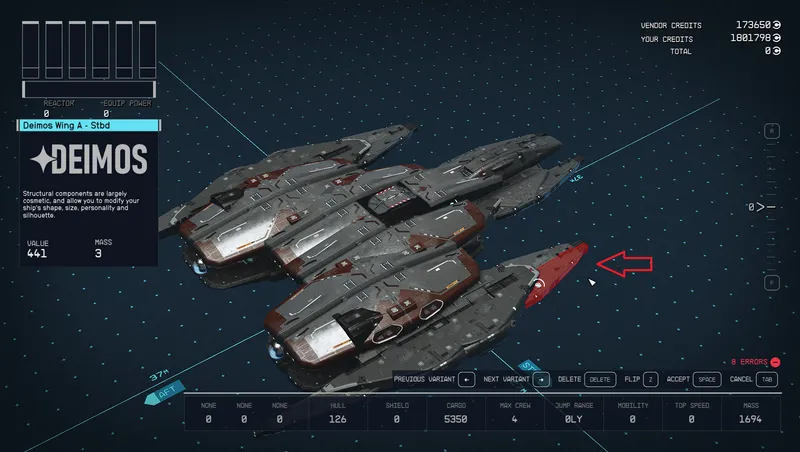
By GrizBane404 • 2 years ago
Enables construction of ships with merged/overlapping modules (without awkward "glitching" techniques), expanded part availability and a customized Ship Builder user experience.
By GrizBane404 • 1 year ago
Extensions for Ship Builder Configurator to allow it to manage ship techs and modules from the Falkland System Service mod.

By erebusparcae • 2 years ago
Unlocked All Parts in Ship Builder Vendor (except Mission Locked Parts) with adjusted Habs and Landing Gear. (This does not include M-type Parts or Space Station Parts)
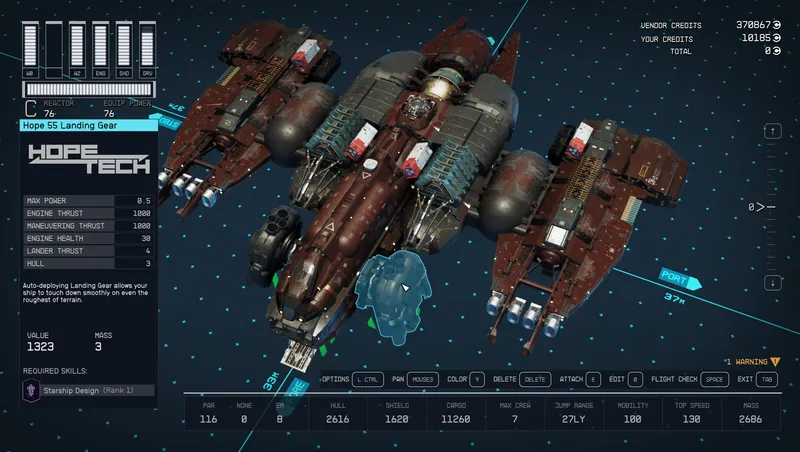
By TheOGTennessee • 2 years ago
TN's Hab Tweaks, TN's Useful Ship Structure, TN's Expanded Cargo Holds, TN's Supplemental Thrusters, TN's Supplemental Reactors, TN's Supplemental Cxckpits, TN's Hab Shells, and...
Quick Actions
Your Rating
Sign in to rate and review this mod—your vote helps the community.
Community Rating
Categories
Mod Information
- Published
- Jun 18, 2025
- Last Updated
- Aug 11, 2026
- Platforms
- PC
Search Mods
More by GrizBane404
Related Starfield Mods