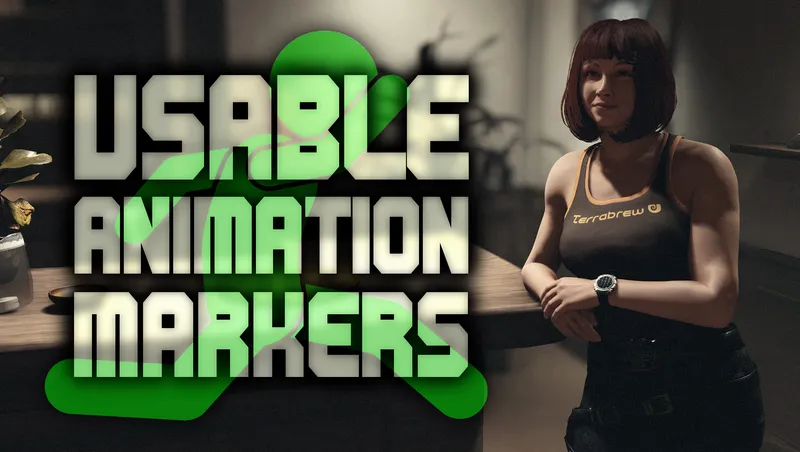
Usable Animation Markers - Use NPC-only animations
By xtcrefugee
Community Rating
PLAYSTATION RELEASE No changes for other platforms.
NEW PLUGIN - HIDE THIS MARKER The addon Hide This Marker has now been released and is strongly recommended to avoid marker blocking issues, search for it in Creations. It should be considered mandatory for Terran Armada and official Bethesda creation quests if you are using Usable Animation Markers.
Please see the Usable Animation Markers page on Nexus Mods for details of the Terran Armada hotfix for Percy Kanu, the Creations text limit means I cannot include it here.
TL;DR - I know there's a lot of text below, but the caveats in particular are something you should be aware of.
INTRODUCTION You've probably seen NPCs in the game repairing something, working out, leaning on a desk, or performing any number of animations. Most of these use a kind of invisible furniture, usable by NPCs but not usable by the player. This mod changes that, so many of those markers can now be interacted with and used just like you would use a chair. It can make for a nice bit of added immersion, and can be particularly useful for screenshots.
Making changes like this to base game objects in the world isn't without caveats, and I'll get to those below. There are pros and cons to this approach versus (for example) using a script-based solution to spawn an animation marker, have the player use it then remove it when they're done - there are already other mods like that on Creations. The approach I've gone for here is very simple. It's (almost) all base object overrides where I've changed the mesh used and added a few attributes here and there. The main benefits are that this mod can be enabled and disabled at will without causing any issues in your game, and that your followers can also use these markers.
If you are playing on PC I strongly recommend you take a look at the version of this mod on Nexus Mods as it has features (like visible markers) that I could not include in a Creations release.
USING MARKERS This mod makes two kinds of 'furniture' usable by the player, existing furniture items that already have a visible model but weren't interactable (like surgical beds, laptops, exercise equipment, etc.) and invisible markers that might be placed anywhere. The interaction box for most invisible markers is around desk height and below, so make sure you're looking slightly downwards when looking for a marker to use. If you've used the toilet on the Frontier then you've already seen an example of such a marker, it uses one of the same invisible trigger volume meshes that I've used in this mod.
Invisible markers that are out in the open or might be mistaken for a vanilla game interaction have [Animation] appended to their name, to avoid confusion, such as Use welder [Animation]. Some will indicate that NPCs will use a different animation to the player, like Chair [Read tablet, NPC] - this is saying that the player character will treat this as a normal chair, but NPCs (inc. followers) will also read a tablet if they use it. Some rare markers that say [Player Only] can only be used by the player, NPCs cannot use them.
Below the name of the marker you'll see the usual activation button prompt. There's a special case to be aware of here: if the prompt says NOT FIRST PERSON SAFE this means that you should switch to third person view before attempting to use that marker. This is usually because there's no animated exit from that marker, and the view cannot be switched between first and third person while using it. If you use one of these while in first person, you'll be unable to switch to third person after leaving the marker. If that happens, just find any nearby chair, sit in it and then stand up again, that will fix it.
FINDING MARKERS This is best shown in the demo video, but you can use your scanner to find the location of animation markers. They won't highlight, but the name will appear on the right and you can use that to hone in on them. Also, Hide This Marker optionally allows you to 'ping' markers and show their locations from the scanner.
If you're using Command NPCs to order someone to use a marker, they will be unable to use any that are marked as "owned" by another NPC or faction. These are sometimes indicated in the scanner by the red stolen icon. The player can still use these. One of the few cell edits I've made in the mod is to remove the ownership from the dance and workout markers/equipment at Paradiso (The gym on the 5th floor, and the dance markers by the stage at the rooftop bar) so you can use them with your followers. The usual Command NPCs caveats apply, pathing to certain markers may be impossible for followers, it's best to use Sarah or Barrett if you want voiced feedback for them not being able to use something.
CAVEATS There are two main issues that you can run into when using this mod, both of which I've tried to mitigate. The first is when a marker obscures something else that you want to pick up. You can see this for yourself in the vanilla game actually, drop something small like a slate on top of the toilet seat in the Frontier and you won't be able to pick it up again as it's now within the toilet activation volume. You can try different angles, crouching etc. and often find a way to pick up whatever item it is, but sometimes it will be unavoidably obscured. You can either temporarily disable UAM in order to collect such items, or use Hide This Marker to temporarily disable the marker.
The second issue occurs as a result of adding geometry (the activation volume itself) to markers. The game designers never intended the player to be using these markers, so they may be placed too close to a wall for proper entry/exit, or too close to another marker or piece of furniture for both to be unobstructed. There are a few different ways I've fixed this in testing depending on the marker. For some I've switched to a smaller volume, for others I've had to add keywords to allow entry/exit to the marker and ignore geometry, etc. In some rare cases I've had to move markers slightly as they were too close to a crafting bench etc. and were blocking it as a result. This is likely something you'll see on modded ships that use a lot of animation markers, or on custom ships you've made yourself as you won't have been able to see where the vanilla markers were.
If you're using a mod that includes the ability to have the player ship take off remotely, you may experience a few seconds of very low FPS during the acceleration phase of those takeoff animations. The mod More NPC Marker for vanilla ship habs may also cause this to happen with UAM.
Attempting to drag (i.e. hold the activate button, then move) an "owned" marker, the ones shown with the red stolen icon in the scanner, will be seen as stealing by NPCs. This is a vanilla game bug with all owned furniture, it's not specific to animation markers.
TECHNICAL STUFF Please see details on Nexus Mods if you'd like further information about why this mod works as it does. Briefly, there are three sizes of invisible trigger volumes in the game that were appropriate for use in a mod like this, I'll call them A, B and C. A is rectangular, and around the size of a large chest. B is the same height as A (roughly waist height) but is smaller, more like a cube shape. C is much smaller, more like thigh height, and also a cube. As this mod requires the player to find markers in order to use them, having them as large as possible helps. However the larger they are the more chance of them interfering with each other or existing objects, so it's a trade off. A has been used for markers that aren't typically placed close to anything else that might get in the way, B for places where markers are a bit more densely packed, and C when the marker needs to be as small as possible. It's possible that there will future revisions of this mod where I have to either move or change a given marker to use a smaller volume.
ABOUT/CREDITS I've been working on this mod, on and off, for a stupid amount of time now. I think I first mentioned it back in June on discord, and showed it working in the Command NPCs demo video about 7 months ago. It's just been endless, tedious testing of markers, and occasionally fixing them when I find ones that are blocking something important. I was all set to release and then Shattered Space happened... and then I had a bunch more locations that needed to be checked! The rather ugly solution of temporarily disabling the mod to access blocked loot is sadly unavoidable on Creations, there's very slightly less ugly solution with a Windows batch file on Nexus Mods. I know neither are a perfect solution, but they do work.
Made with NifSkope, xEdit and the Creation Kit. I can be reached at Nexus Mods.
Release notes
Playstation
-
1.9PlayStation release.
PC
-
1.9PlayStation release.
-
1.9A hotfix to unblock a marker that was preventing the Hidden Incursion mission in Terran Armada from progressing during the confrontation scene. Also added a non-critical fix so that certain bounty targets that were using a marker will correctly switch to the surrender animation.
-
1.5Landing crew animation markers (NPCLandingCrew_Inspector and NPCLandingCrew_Scanner) have been removed from the plugin. Particularly when in combination with certain other mods, these could cause a few seconds of very low fps when certain ships were taking off, like the player's own ship when using a mod that allows remote takeoff.
This was particularly difficult to diagnose and correct as it doesn't seem to happen for everyone and can also depend on what other mods are being used, so thank you to Aromov, tinaslynn and Space Cadet for testing. An optional plugin including these removed markers is on Nexus Mods.
The mod **More NPC Marker for vanilla ship habs** on Nexus Mods also appears to trigger this when used with UAM, so this has been noted in the mod description. -
1.4AMarker changes:
NPCKneeling changed to a C-size volume to avoid blocking the welder by Sam that you activate during the mission Short Sighted.
NPCRailLeanFront changed to use the custom C-size volume as otherwise it blocks the rearmost chairs on the large table in the main area of the lodge.
NPCStanding_Inventory changed to a C-size volume to avoid blocking a spacesuit workbench in the Nova Galactic Workshop 2x1 hab.
Added geometry ignore keywords to NPCStanding_AnimFlavorArmsFrontCasual to unblock a marker used during a Vanguard scene at MAST.
Moved a lean marker that was blocking access to Heller's unique cutter on Vectera.
New separate but strongly related mod uploaded, **Use NPC Animations**.
-
1.30Changes to DesktopPC_Sitting01_NPCOnly and RyujinDesktopPC_Sitting01_NPCOnly to disable the forced orbiting camera
-
1.20The same as the Nexus Mods 1.2 single plugin release, for further details please see the post there.
Xbox
-
1.9PlayStation release.
-
1.9A hotfix to unblock a marker that was preventing the Hidden Incursion mission in Terran Armada from progressing during the confrontation scene. Also added a non-critical fix so that certain bounty targets that were using a marker will correctly switch to the surrender animation.
-
1.5Landing crew animation markers (NPCLandingCrew_Inspector and NPCLandingCrew_Scanner) have been removed from the plugin. Particularly when in combination with certain other mods, these could cause a few seconds of very low fps when certain ships were taking off, like the player's own ship when using a mod that allows remote takeoff.
This was particularly difficult to diagnose and correct as it doesn't seem to happen for everyone and can also depend on what other mods are being used, so thank you to Aromov, tinaslynn and Space Cadet for testing. An optional plugin including these removed markers is on Nexus Mods.
The mod **More NPC Marker for vanilla ship habs** on Nexus Mods also appears to trigger this when used with UAM, so this has been noted in the mod description. -
1.4AMarker changes:
NPCKneeling changed to a C-size volume to avoid blocking the welder by Sam that you activate during the mission Short Sighted.
NPCRailLeanFront changed to use the custom C-size volume as otherwise it blocks the rearmost chairs on the large table in the main area of the lodge.
NPCStanding_Inventory changed to a C-size volume to avoid blocking a spacesuit workbench in the Nova Galactic Workshop 2x1 hab.
Added geometry ignore keywords to NPCStanding_AnimFlavorArmsFrontCasual to unblock a marker used during a Vanguard scene at MAST.
Moved a lean marker that was blocking access to Heller's unique cutter on Vectera.
New separate but strongly related mod uploaded, **Use NPC Animations**.
-
1.30Changes to DesktopPC_Sitting01_NPCOnly and RyujinDesktopPC_Sitting01_NPCOnly to disable the forced orbiting camera
-
1.20The same as the Nexus Mods 1.2 single plugin release, for further details please see the post there.
Additional Screenshots Available
This mod has 11 additional screenshots available on the official Bethesda.net page.
View All Screenshots on Bethesda.netYouTube Videos
Community Rating & Feedback
No reviews with comments yet.
Be the first to leave a review!
Related Starfield Mods
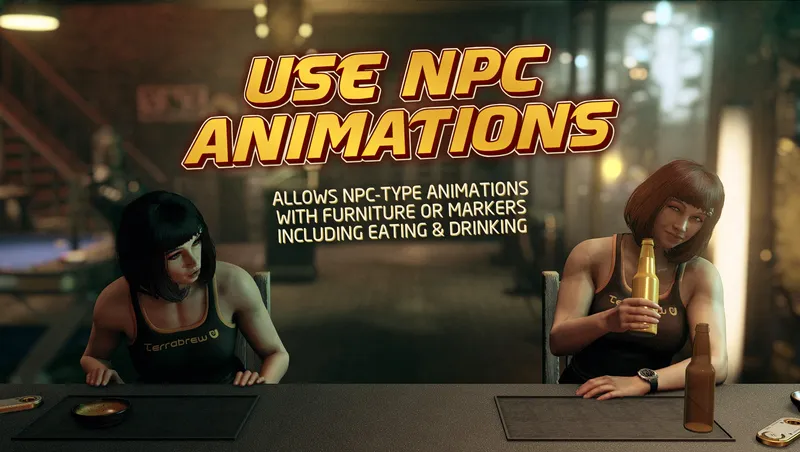
By xtcrefugee • 1 year ago
Allows you to use an NPC animation type instead of the player type with furniture items and animation markers.
By xtcrefugee • 1 year ago
Adds new animation markers from Shattered Space, and marker adjustments for compatibility with the DLC.
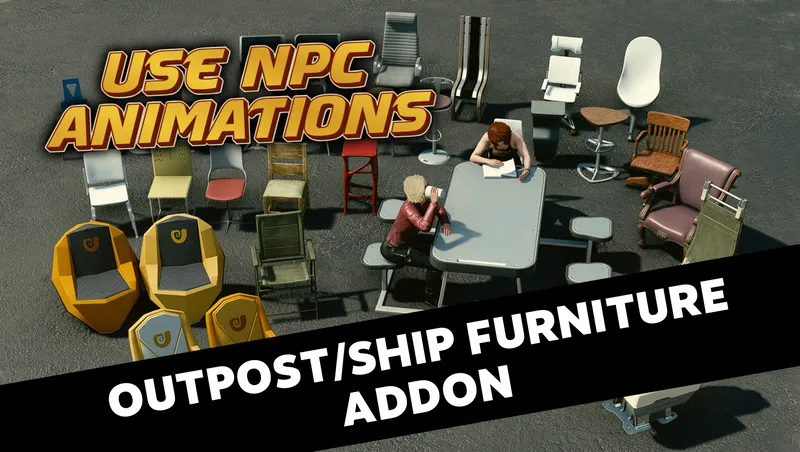
By xtcrefugee • 1 year ago
Craftable outpost/ship furniture supporting various NPC animations. Includes crew terminals which can allow you to increase your ship's crew size.
By xtcrefugee • 1 year ago
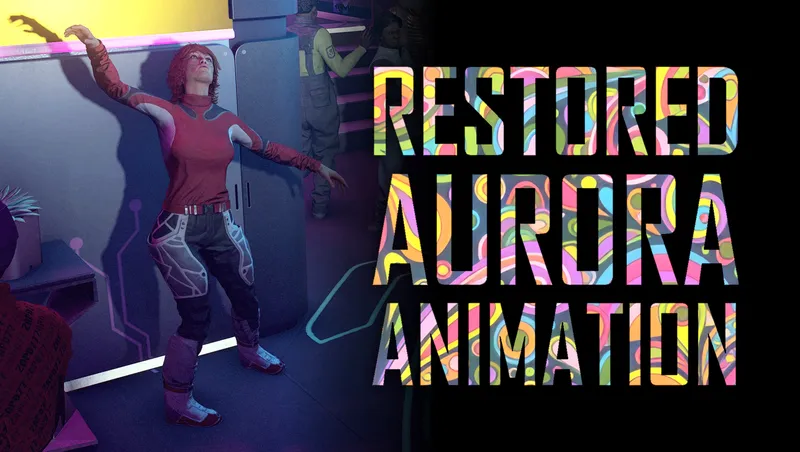
Fixes the broken animation that NPCs taking Aurora are supposed to use. Requires Shattered Space.
Quick Actions
Your Rating
Sign in to rate and review this mod—your vote helps the community.
Community Rating
Categories
Mod Information
- Published
- Feb 28, 2025
- Last Updated
- Aug 15, 2026
- Platforms
- Playstation, PC, Xbox
Search Mods
More by xtcrefugee


Related Starfield Mods