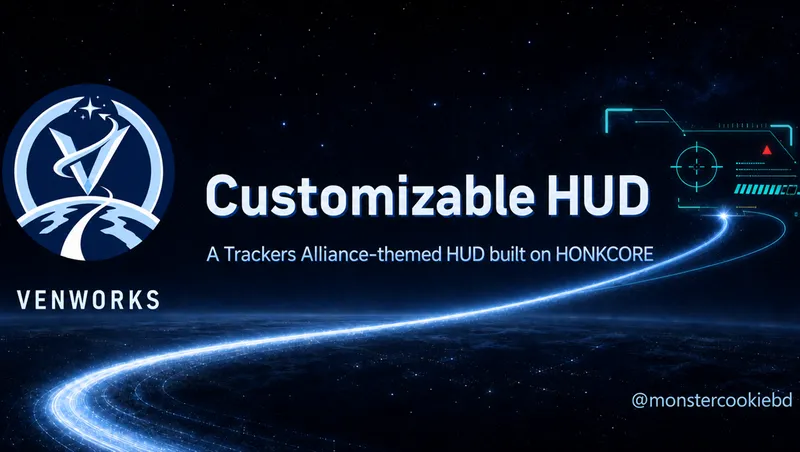
Venworks Customizable HUD - Trackers Alliance Theme
By Venpi
Community Rating
Overview
Venworks Customizable HUD overhauls Starfield's interface with a new HUD written from the ground up in Scaleform and ActionScript 3. This Creation starts with the Trackers Alliance palette and crest. Every gauge, contact, status bar, and information panel has a defined gameplay or interface purpose; this is not a static mockup placed over the game.
Beta platforms: This beta targets PC and every console platform supported by Starfield Creations. Console testing and feedback are especially welcome.
Features
- A configurable helmet frame with compass heading, threat state, active status effects, and Bethesda's current vehicle-exit control glyph.
- Player information for level, experience, health, oxygen, CO2, boost, carry mass, credits, digipicks, universal time, and a deterministic player serial.
- A passive equipment rail for all 12 favorite slots plus live weapon, ammunition, explosive, and power information.
- Planet and environment panels for location, local time, oxygen, temperature, gravity, suit protection, and active thermal, airborne, corrosive, and radiation categories.
- Environmental exposure bars that combine active Bethesda hazard categories, suit-protection depletion, and sustained player-O2 drain into modeled relative indicators rather than unsupported real-world measurements.
- A persistent tracked-objective panel.
- Strict, atomic configuration loading. Invalid or unsafe XML, palette, or SVG configuration prevents a partial custom HUD and displays a categorized diagnostic.
Contact radar and scanner
The full 360-degree radar displays companions, parked ships, parked or recently exited vehicles, and acquired hostile contacts up to 200 provider units away. Bethesda controls when a hostile is initially detected and delivered to the HUD. Once acquired, it remains tracked until it leaves the radar range. The radar is not a life-form detector, and the provider range is not claimed to be meters.
The separate scanner display covers a 90-degree forward field, validates contact data, shows the nearest five contacts, and assigns deterministic display-only codenames for enemies, companions, ships, vehicles, positions, and other points of interest. It does not invent random contacts.
Themes and customization
This Creation starts with trackers-alliance.xml, but every variant includes all five stock palettes.
venworks.xmltrackers-alliance.xmlfreestar-collective.xmlcrimson-fleet.xmlstarfield.xml
Versioned XML controls layout, visibility, colors, typography, meters, icons, reusable fragments, and selected Bethesda HUD sections. The GitHub documentation covers common changes and the complete layout and palette contracts. A .NET WYSIWYG theme editor is a long-term roadmap item and is not included in this beta.
Installation
Install this Creation through Starfield Creations and enable only one Venworks Customizable HUD theme. All four theme Creations replace the same HUD movies and configuration paths, so enabling more than one creates file conflicts.
Change the active palette on PC
Console players should install the Creation whose title matches the starting palette they want. PC players can switch among all five packaged palettes:
- Fully exit Starfield.
- Back up the active
Interface\VenworksCUIdirectory. - Open
Interface\VenworksCUI\layout.xmlin a plain-text or XML editor. - Find the root `` element and change only its
paletteattribute, for examplepalette="venworks.xml". - Use one filename from the packaged list above. It must refer directly to a file under
Interface\VenworksCUI\palettes; subdirectories and URLs are rejected. - Save the file and fully restart Starfield. Live palette switching is not supported.
Mod-manager updates and Creation reinstalls can overwrite PC XML changes. Keep a backup or a small personal override that wins the file conflict.
Current beta boundaries
- Neutral creatures and unaware potential hostiles are not guaranteed to appear on the acquired-contact radar.
- Large-HUD, ultrawide, radar-transition, and console feedback remain valuable during beta testing.
Documentation
- Source and overview: https://github.com/monster-cookie/venworks-honkcore-ta-ui
- User configuration guide: https://github.com/monster-cookie/venworks-honkcore-ta-ui/blob/master/docs/USER_CONFIGURATION.md
- Layout reference: https://github.com/monster-cookie/venworks-honkcore-ta-ui/blob/master/docs/LAYOUT_CONFIGURATION_REFERENCE.md
- Palette reference: https://github.com/monster-cookie/venworks-honkcore-ta-ui/blob/master/docs/PALETTE_CONFIGURATION_REFERENCE.md
Venworks Discord Community
I've reopened the Venworks Discord community as a central place for my mods, modding research, support, beta feedback, and bug reports: https://discord.gg/DTbmrJDMxZ
I'll continue releasing my mods through Bethesda Game Studios Creations and on Nexus, but recent site updates have made Nexus notifications and the Bugs and Posts sections less reliable.
Release notes
Xbox
-
2.0.2- Rebuilt the player HUD from the ground up as the new Venworks Customizable HUD.
- Added a helmet display with compass heading, threat warnings, active status effects, and the environment warnings.
- Added expanded player, equipment, and environmental information, including health, oxygen, boost, carry weight, favorites, weapons, ammunition, explosives, powers, suit protection, gravity, temperature, and environmental hazards.
- Added a persistent tracked-objective panel, a 360-degree acquired-contact radar, and a scanner-only forward-contact display with consistent contact codenames.
- Added four separately packaged themes: Venworks, Trackers Alliance, Freestar Collective, and Crimson Fleet—with five included color palettes.
- Added PC customization for HUD placement, visibility, colors, typography, meters, icons, and individual HUD sections through XML configuration.
- Added clear on-screen diagnostics when a custom configuration is missing or invalid instead of partially loading a broken HUD.
- Added Nexus PC packages for normal or fully loose installation and Bethesda Creations packages for PC, Xbox, and PlayStation 5. Enable only one theme package at a time.
- Preserved Bethesda's combat-sensitive HUD elements, including reticles, crosshairs, enemy health, stealth indicators, and hit or kill feedback to avoid engine crashes.
- Other mods that replace `hudmenu.gfx` or `hudmenu_lrg.gfx` are incompatible unless a purpose-built patch combines their changes.
Playstation
-
2.0.2- Rebuilt the player HUD from the ground up as the new Venworks Customizable HUD.
- Added a helmet display with compass heading, threat warnings, active status effects, and the environment warnings.
- Added expanded player, equipment, and environmental information, including health, oxygen, boost, carry weight, favorites, weapons, ammunition, explosives, powers, suit protection, gravity, temperature, and environmental hazards.
- Added a persistent tracked-objective panel, a 360-degree acquired-contact radar, and a scanner-only forward-contact display with consistent contact codenames.
- Added four separately packaged themes: Venworks, Trackers Alliance, Freestar Collective, and Crimson Fleet—with five included color palettes.
- Added PC customization for HUD placement, visibility, colors, typography, meters, icons, and individual HUD sections through XML configuration.
- Added clear on-screen diagnostics when a custom configuration is missing or invalid instead of partially loading a broken HUD.
- Added Nexus PC packages for normal or fully loose installation and Bethesda Creations packages for PC, Xbox, and PlayStation 5. Enable only one theme package at a time.
- Preserved Bethesda's combat-sensitive HUD elements, including reticles, crosshairs, enemy health, stealth indicators, and hit or kill feedback to avoid engine crashes.
- Other mods that replace `hudmenu.gfx` or `hudmenu_lrg.gfx` are incompatible unless a purpose-built patch combines their changes.
PC
-
2.0.2- Rebuilt the player HUD from the ground up as the new Venworks Customizable HUD.
- Added a helmet display with compass heading, threat warnings, active status effects, and the environment warnings.
- Added expanded player, equipment, and environmental information, including health, oxygen, boost, carry weight, favorites, weapons, ammunition, explosives, powers, suit protection, gravity, temperature, and environmental hazards.
- Added a persistent tracked-objective panel, a 360-degree acquired-contact radar, and a scanner-only forward-contact display with consistent contact codenames.
- Added four separately packaged themes: Venworks, Trackers Alliance, Freestar Collective, and Crimson Fleet—with five included color palettes.
- Added PC customization for HUD placement, visibility, colors, typography, meters, icons, and individual HUD sections through XML configuration.
- Added clear on-screen diagnostics when a custom configuration is missing or invalid instead of partially loading a broken HUD.
- Added Nexus PC packages for normal or fully loose installation and Bethesda Creations packages for PC, Xbox, and PlayStation 5. Enable only one theme package at a time.
- Preserved Bethesda's combat-sensitive HUD elements, including reticles, crosshairs, enemy health, stealth indicators, and hit or kill feedback to avoid engine crashes.
- Other mods that replace `hudmenu.gfx` or `hudmenu_lrg.gfx` are incompatible unless a purpose-built patch combines their changes.
Additional Screenshots Available
This mod has 2 additional screenshots available on the official Bethesda.net page.
View All Screenshots on Bethesda.netYouTube Videos
Community Rating & Feedback
No reviews with comments yet.
Be the first to leave a review!
Related Starfield Mods
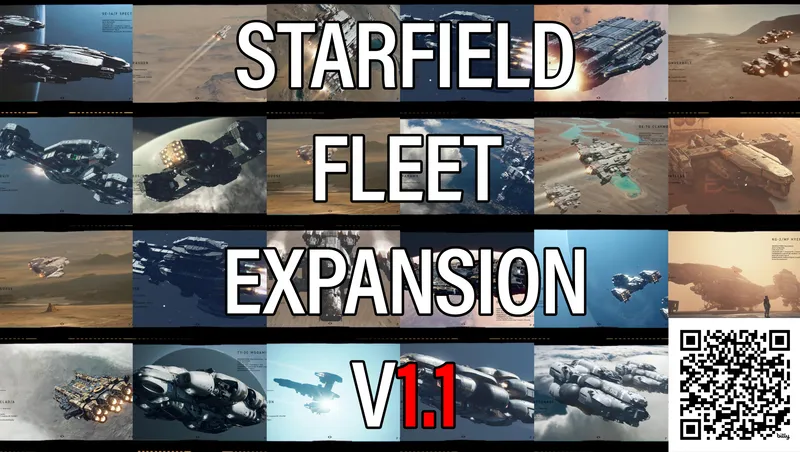
By StarfieldFleetExpans • 2 years ago
This mod will feature many ships from ship builders on Reddit with ships purchasable at many ship vendors and flying around the settled Systems. Stay tuned for new updates!
![Horizon [BETA]](https://www.starfieldunity.com/storage/mods/1e28f638-238a-42a1-bddd-8552d8361e00.webp)
By architectt • 1 year ago
Horizon is an immersive Starfield mod that introduces a dynamic, jump-capable starstation, placing players in the heart of the unknown with each leap across the universe.
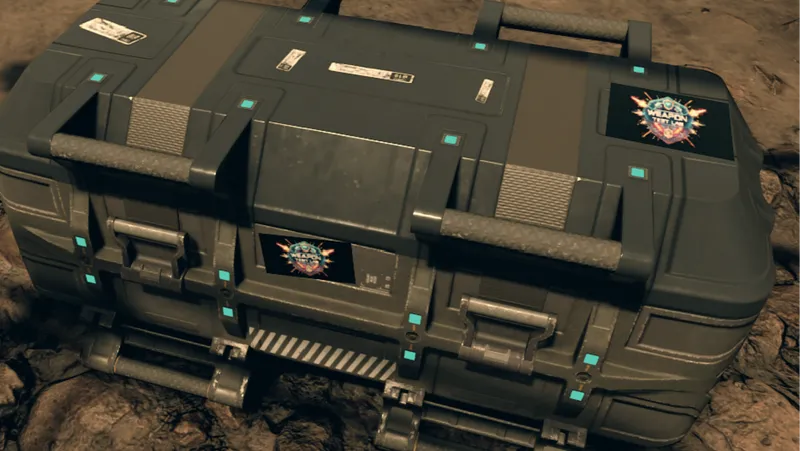
By SAVAGESTEVE45 • 1 year ago
The Weapons Test Lab, making slightly bonkers weapons so you don’t have to.
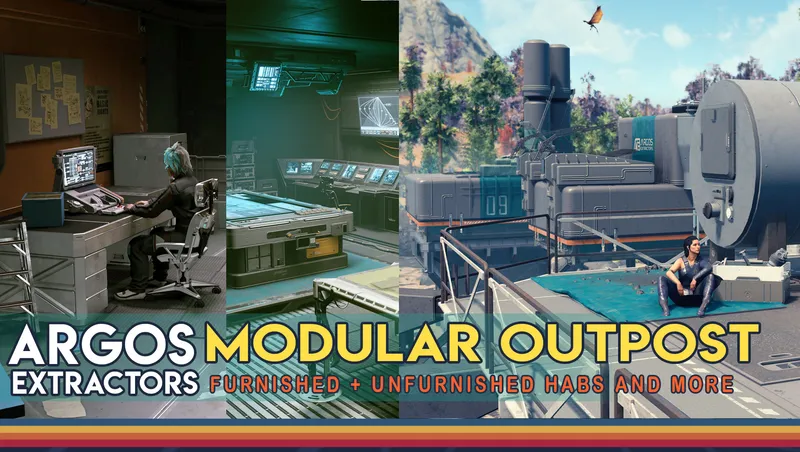
By Miss_o • 1 year ago
Build outposts like ships, with these new furnished and unfurnished habs, structural parts, and more for Outposts
Quick Actions
Your Rating
Sign in to rate and review this mod—your vote helps the community.
Community Rating
Categories
Mod Information
- Published
- Aug 22, 2026
- Last Updated
- Aug 22, 2026
- Platforms
- Playstation, PC, Xbox
Search Mods
More by Venpi
Related Starfield Mods