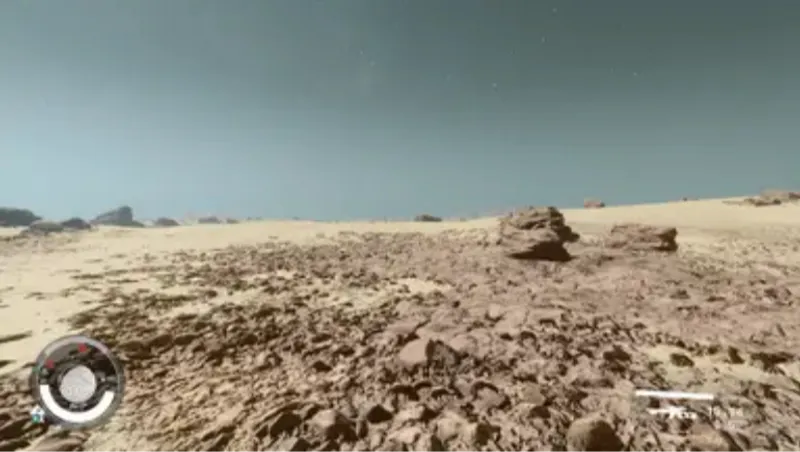
GROUNDISH GROUND - GLOBAL GROUND NORMAL DEPTH INCREASER INI TWEAK
By mustafa8900
Community Rating
Credits: lbpdude6 Proof of permissions:https://www.nexusmods.com/starfield/mods/16243?tab=description
simple ini tweak that adds depth, shadow, texture and contrast to ground surfaces game wide
----====== preface ======----
From the creator of SHADOWY SHADOWS: FLUFFY FLORA, DARK NIGHTS and GORGEOUS GODRAYS comes GROUNDISH GROUND: GLOBAL GROUND NORMAL DEPTH INCREASER - a BRANDISH NEWLY DISCOVERETHED INI TWEAK! This time - JUST. ONE. TWEAK! But in 2026, ONE is worth one THOUSAND! You just have to know this! AND You just HAVE to SEE this:
Have you ever been travelling in space, you land on a sweet little rock, plant your flag, flick the safety on -- But then you catch a stray glimpse of the ground and it's-- SMOOTH?? I- thought I - Isn't this supposed to be-
-- ...the ground's... smooth?--
STOP! FEAR NOT and Put the phone DOWN! WE HAVE THE SOLUTION!
THIS IS THE SOLUTION to all of your SMOOTHNESS! And NO! NO PERFORMANCE IMPACT. NO DORMANT CHEMICALS or irregular SCENTS! NOT EVEN A DIFFICULT INSTALL! Because its just a tweak. An is just a INI Tweak. ----====== preface ======----
INFORMATION BECOMES USEFUL AFTER THIS POINT ^^^^^^^^^^^^^^^^^^^^^^^^^^^^^^^^^^^^^^^^^^^^^^^^^^^^^^^^^^^
another ini tweak I found while tweakin', this one increases the strength of the effect of the normal map on all ground surfaces game-wide, resulting in more physically textured dirt, snow, sand, mountains, etc.
Please enjoy the image tab for a better sense of what this tweak does.
CAVEATS/CUSTOMIZATION: My recommended value for texture lovers is 5, the default being 1. You can keep raising this value. However past 5 it tends to start looking wonky on some surfaces, and then eventually all surfaces. Even at 5 the most extreme ground normals in the game may look slightly off as they're being pushed farther than they should be (if you know how normals work I'm sure you understand). So my advice, if you would like the advice of a chud like me, is, if you're a someone who is scared easily of too much texture, use a value of 2 or 3. These both result in noticeable differences, and really 2 should be the absolute minimum, the default of 1 is JUST TOO SMOOTH.
INSTALLATION
- COPY AND PASTE THE FOLLOWING LINE INTO YOUR STARFIELDCUSTOM.INI, under the [Display] heading (if there isn't one, just make one)
fTerrainNormalAmpMult=5
There is a StarfieldCustom.ini with this lone tweak in the files tab if you want it.
Credit to this page for all the ini settings I root through: https://stepmodifications.org/forum/topic/19019-starfield-default-values-for-all-known-valid-ini-settings/
... oh, and, uh, you probably already know this, but... if you hit the tilde key in game and say setini "fTerrainNormalAmpMult:display" 5 you could, like, mess with the value in game to see what you like best. But yeah, of course, I know... you, like, already know all that.
Release notes
Xbox
-
1.00== Describe this release ==
YouTube Videos
Community Rating & Feedback
No reviews with comments yet.
Be the first to leave a review!
Related Starfield Mods
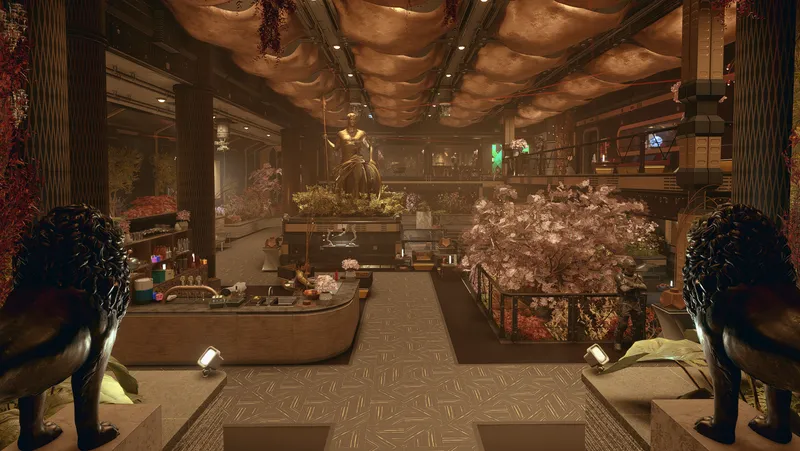
By Dialectric • 1 year ago
Player Home with rich Merchants, Custom Player Ship, pre-existing unique Companion, 300 buildable Outpost objects, 11 pre-existing quest starters, All Backgrounds & Traits.
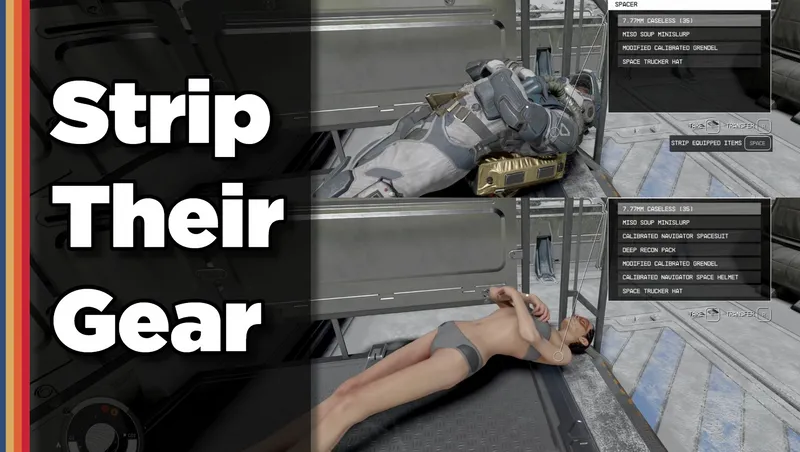
By shadedness • 2 years ago
Strip any equipped armor or clothes from your fallen foes! Or simply loot-all with 1 button. Steal items from knocked-out targets instead of pick-pocketing and waking them up!
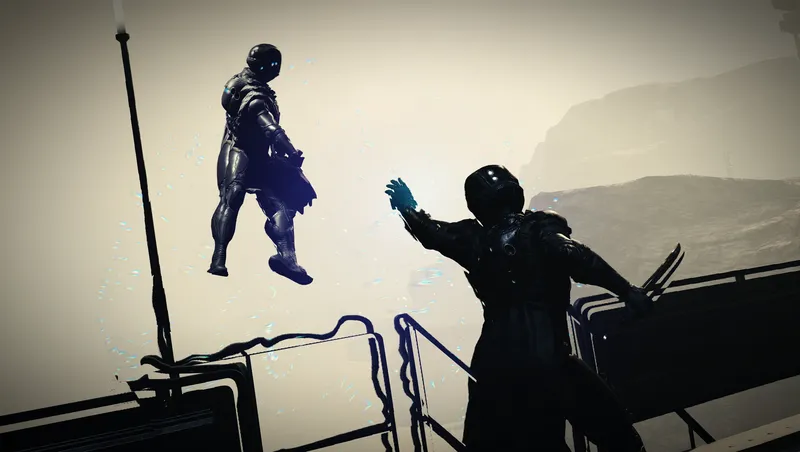
By Deebz • 2 years ago
Turns Gravity Wave into a proper “force push” power, using ragdoll physics instead of the vanilla knockdown animations. Designed to be fair and balanced.
By SAVAGESTEVE45 • 1 year ago
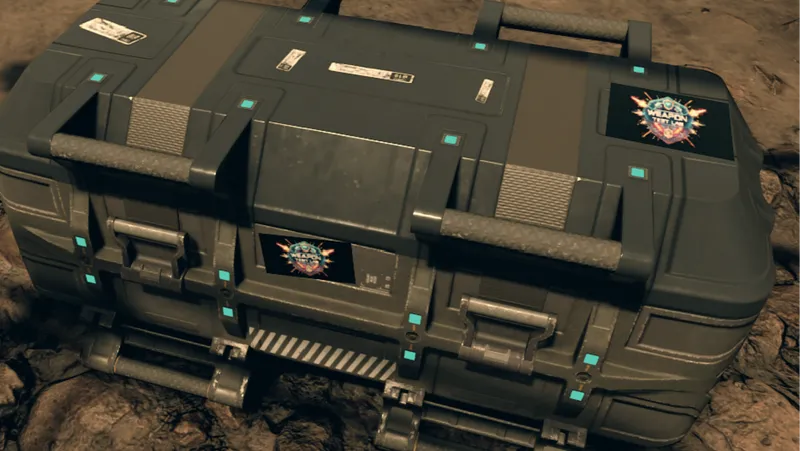
The Weapons Test Lab, making slightly bonkers weapons so you don’t have to.
Quick Actions
Your Rating
Sign in to rate and review this mod—your vote helps the community.
Community Rating
Categories
Mod Information
- Published
- Mar 27, 2026
- Last Updated
- Mar 27, 2026
- Platforms
- Xbox
Search Mods
More by mustafa8900
Related Starfield Mods