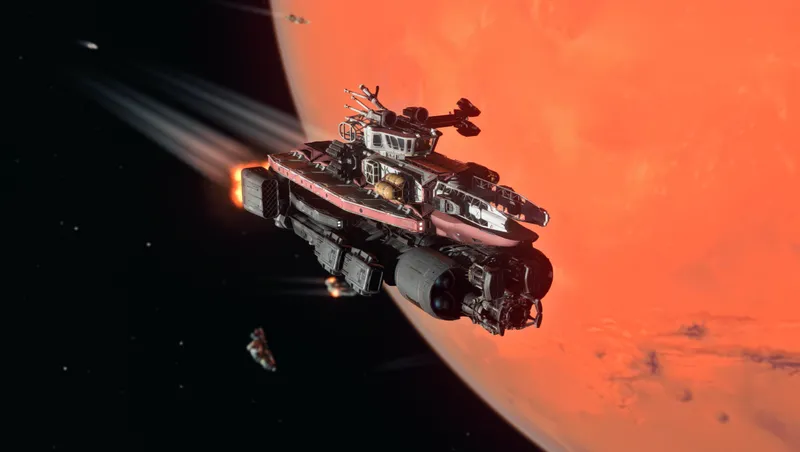
Shark Hunter Ship Design
By Wkbaldwin
Community Rating
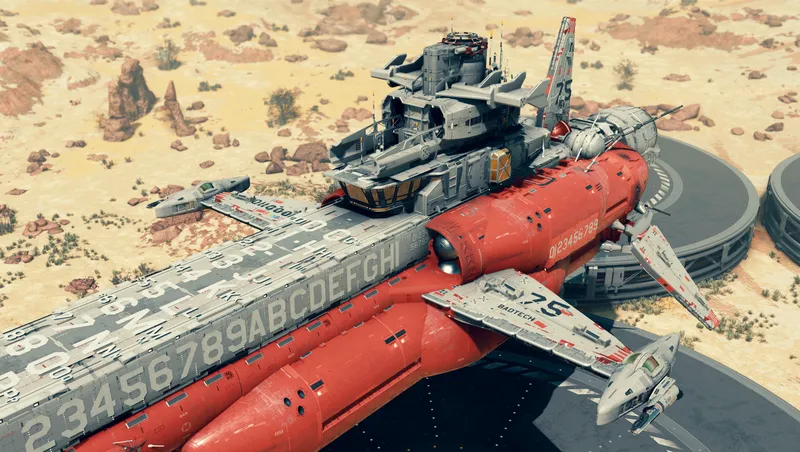
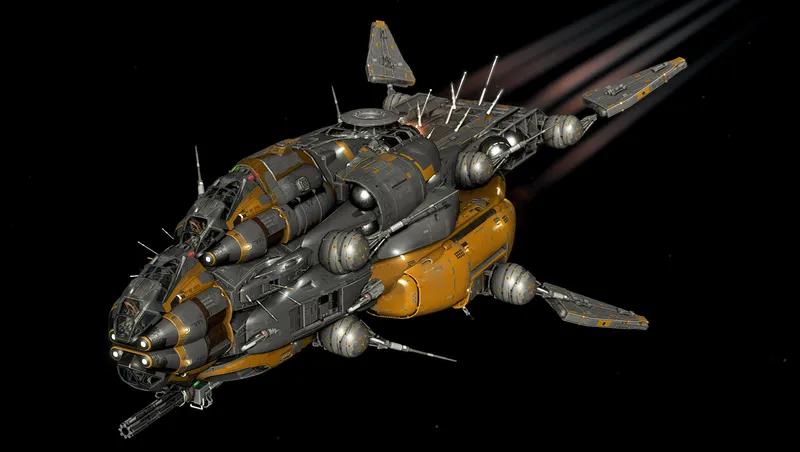
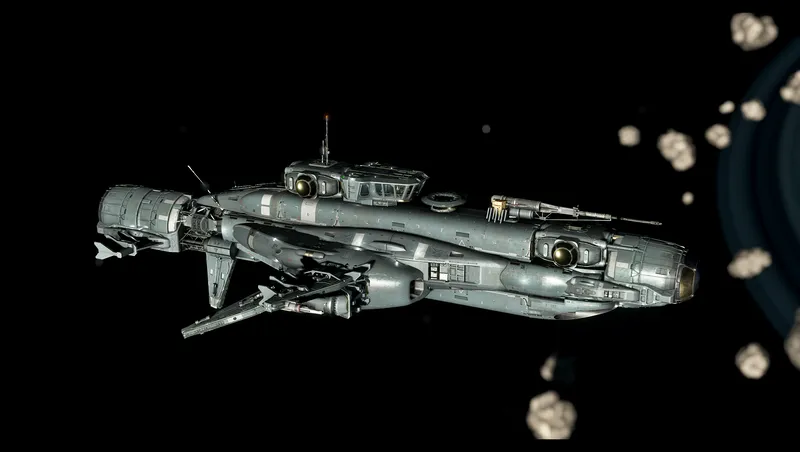
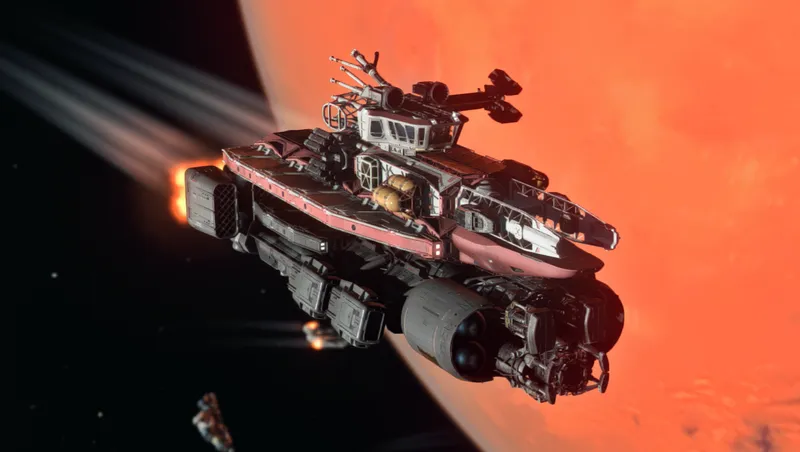
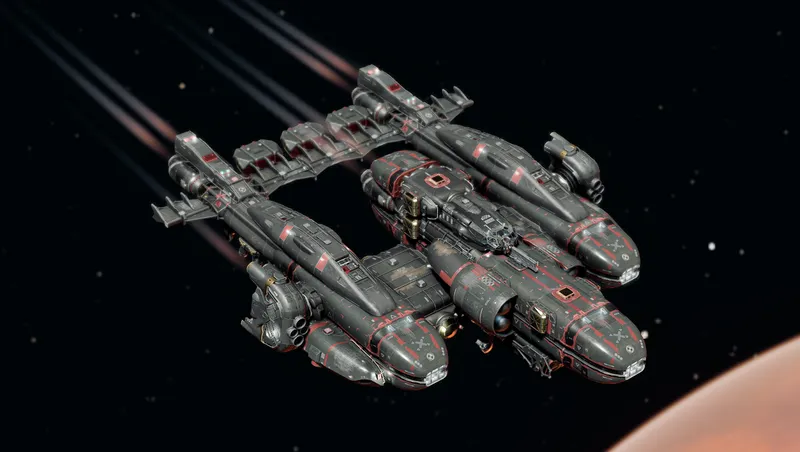
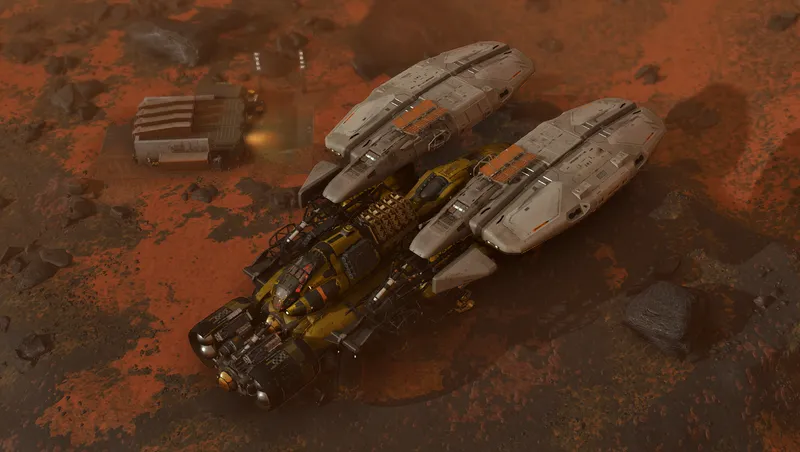
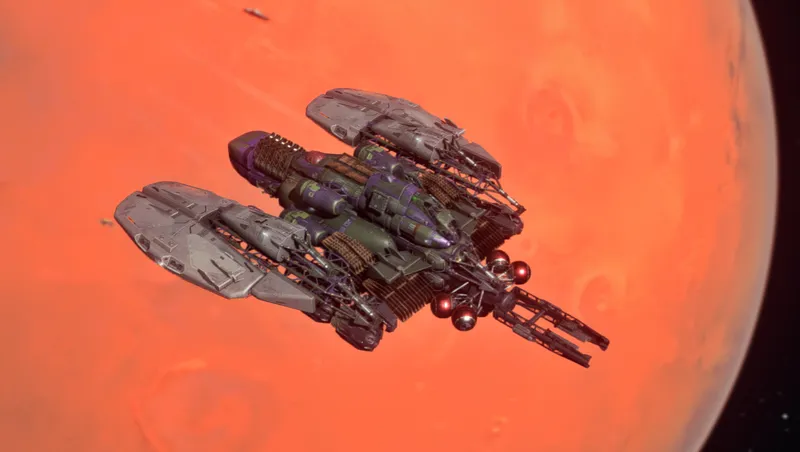
Paying homage to the romantic notion of navigating shark infested waters on old Earth, the Shark Hunter lets you explore the Galaxy looking for your "White Whale". This ship has nostalgic value to it's creator so it is given as a free token for downloading and visiting the BadTech Engineering landing site. Look for the kiosk down the ramp on the landing pad that comes up as BadTech Engineering.
To obtain the ship you must look for a small operation located on Mars called BadTech Engineering. There you will find a landing pad with some kiosks. If you have made the right connections it will be there for the taking. Look for a loot chest with some credits that will aid you in acquiring the ship if you lack the funds to purchase the ship outright. Use the kiosk that reads BadTech Engineering and purchase the ship you desire.
Disclaimer:
You will need the BadTech Engineering download to enable this mod. Look for the link down below.
If you decide not to keep the ship and want to remove it from your inventory there are some steps that will give you a clean save file to avoid crashes. Once you have decided to remove the ship from your inventory permanently you must revisit the BadTech Engineering site on Mars. Once you have landed on the pad exit the ship and proceed to the kiosk that you originally purchased the ship. It should read BadTech Engineering. You will have to change to another ship that is not part of the Shark Hunter ship pack before you can proceed. Once you have sold the Shark Hunter ship or ships back to the kiosk you may exit and head back to the ship you selected in the builder. As long as you sold all of the ships from the pack you may now pilot your ship to another location. In order to make sure everything is removed from your save game I would suggest leaving the SOL system and jump to a nearby system you are familiar with. Choose a planet you can land on and simply pick a random spot that has not been discovered yet. This will insure you have no save data trying to creep back into your save file. Once you land you can get out of the ship and save the game. After you are confident you have a proper save you can exit the game. Once you are in the Main Menu you can go to Creations and uncheck the WKBadShip002.esp file and or remove it permanently if you so choose. I wanted this option so that you didn't have to bloat your load list with ships that aren't being used. Now that the WKBadShip002.esp file is disabled or gone you may now go back into your game and play as if you never owned the ship and should be free of any crashes. If you experience crashing make sure you disabled/removed the correct file or that you don't have a ship in your inventory from the disabled ship mod. If you are free and clear the game should run as if you never owned the ship. Of course if you want the ship back later you can enable the WKBadShip002.esp and it will resupply the ships as well as the credits in the loot chest.
This ship is free of any mods and uses only assets from Starfield.
Enjoy!
Release notes
PC
-
1.02== I'm not sure what happened with the last one but the engines the Shark Hunter were showing errors so it would be difficult to modify the ship in the shipbuilder without moving them. So now you should be able to add cargo or upgrade a little easier. Thank you for your patience. It's my first time getting a ship onto Creations. ==
-
1.01== Fixed the first Shark Hunter that had issues with ladders and corrected the rear engines clipping into the hab. ==
-
1.00== There is an error in the first ship that makes the ladders not function properly. You will need to change out the habs on the lower level to get it to work. I will work on fixing it with an updated version. ==
Xbox
-
1.02== I'm not sure what happened with the last one but the engines the Shark Hunter were showing errors so it would be difficult to modify the ship in the shipbuilder without moving them. So now you should be able to add cargo or upgrade a little easier. Thank you for your patience. It's my first time getting a ship onto Creations. ==
-
1.01== Fixed the first Shark Hunter that had issues with ladders and corrected the rear engines clipping into the hab. ==
-
1.00== There is an error in the first ship that makes the ladders not function properly. You will need to change out the habs on the lower level to get it to work. I will work on fixing it with an updated version. ==
Additional Screenshots Available
This mod has 8 additional screenshots available on the official Bethesda.net page.
View All Screenshots on Bethesda.netYouTube Videos
Community Rating & Feedback
No reviews with comments yet.
Be the first to leave a review!
Related Starfield Mods
By GrizBane404 • 2 years ago
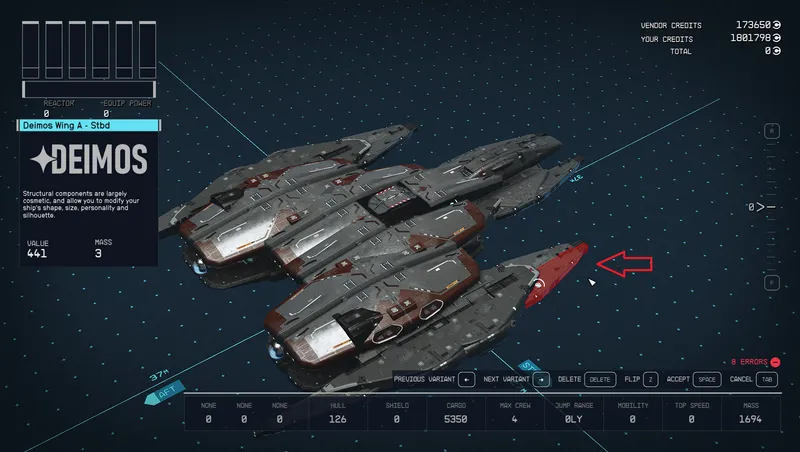
Enables construction of ships with merged/overlapping modules (without awkward "glitching" techniques), expanded part availability and a customized Ship Builder user experience.
By rux616 • 2 years ago
A framework allowing mod authors to easily add ships for sale without conflicts.
By SKKmods • 2 years ago
Craftable inventory activators to hack/steal any ship, call your home ship to you, teleport to your homeship, open homeship inventory, activate ramps, clear inconvenient corpses.
By jacobsod • 2 years ago
Adds 5/10/20/40 Reactor Power for each level of the Astrodynamics Skill / Perk (Science 1st Tier).
Quick Actions
Your Rating
Sign in to rate and review this mod—your vote helps the community.
Community Rating
Categories
Mod Information
- Published
- Aug 28, 2024
- Last Updated
- Aug 29, 2024
- Platforms
- PC, Xbox
Search Mods
More by Wkbaldwin
Related Starfield Mods