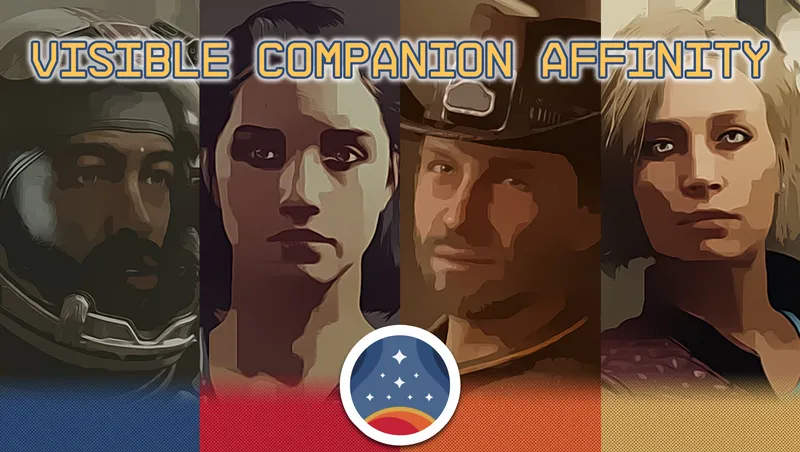
Visible Companion Affinity
By cdante
Community Rating
::WHAT IT DOES::
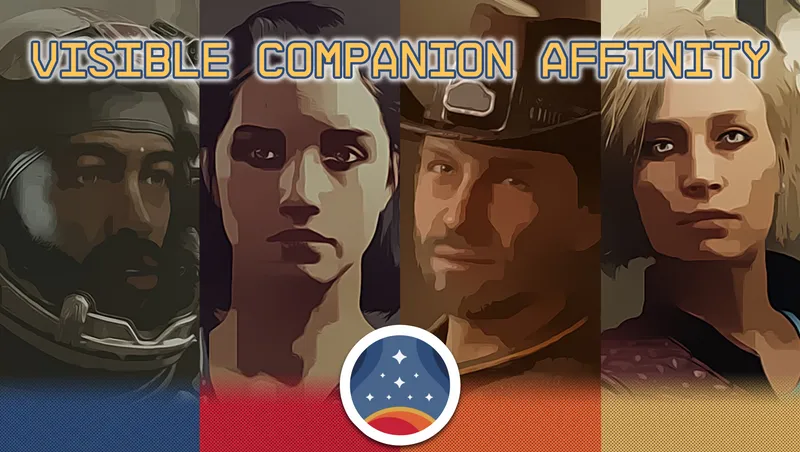
Visible Companion Affinity is a creation that allows you to monitor the metrics that describe your relationship with your four companions in Starfield. It is a completely restructured and reimagined version of one of my earliest mods for Fallout 4 of the same name. Check out the video trailer for a comprehensive showcase!
This is the free version of Visible Companion Affinity. By popular demand, an Achievement Friendly version curated by Bethesda Game Studios also exists in the Marketplace. As such, it can only exist as a paid creation. Other than the fact that the other version doesn't disable achievements, the two versions are completely identical, and I will continue to update both versions simultaneously if further updates are necessary. Please use this free version if you don't care about Xbox/PC achievements, or have other means to enable them with Creations/Mods on PC.
::HOW TO USE IN THE GAME::
AFFINITY CHANGE NOTIFICATIONS The most fundamental feature of the creation is that each like/dislike/love/hate notification by your companions are now followed by an additional message in the top right corner of your screen that tells you the updated affinity value in percentage format, and the amount it has been changed by that recent affinity event.
AFFINITY STATUS CHECK THROUGH DIALOGUE If you don’t want to wait for the next affinity event though, you can of course check the current affinity value as well as the current affinity level and anger level of each of your companions any time by talking to them, and selecting the appropriate dialogue option which you can find at the bottom of their personal questions topic. AFFINITY TERMINAL AND RECENT EVENTS LOG The creation also puts a handheld Companion Affinity Terminal into your inventory. This terminal works pretty much the same way as a holotape functioned in Fallout 4, and it comes in the form of an AID item by default. You can keep it in your inventory, you can favorite it to use it with a hotkey, or you can get rid of it and craft another terminal at an Industrial Workbench anytime you need one.
Within the terminal you can see a summary of your companions, as well as detailed relationship info on each of them including a historical log of recent affinity events and how these affected the affinity value. This recent events history contains a maximum of 10 affinity events, and will start empty. So no matter how far you are in your Starfield journey, it won’t show you affinity events retrospectively, just the ones that would happen after installing and enabling this creation.
AFFINITY TERMINAL SETTINGS The terminal also gives you some settings.
- you can hide the affinity check dialogue option from your companions’ personal topic,
- you can hide the affinity value notifications if you find the amount of notifications overwhelming,
- you can pin or unpin the terminal item from the top of your inventory,
- and you can also change the terminal to show up as a WEAPON or APPAREL inventory item instead of being an AID item. Note that activating the terminal as a weapon or as an apparel item should not unequip your currently equipped weapon or armor.
- And finally, you also have the option to hide the terminal recipe from the Industrial Workbench. Just make sure you don’t lose the one in your inventory after choosing this option, otherwise you may end up without a single terminal in your inventory and without the ability to craft one.
::HOW TO UNINSTALL:: There's an UNINSTAL function added to the Affinity Terminal Settings (see details above). Choose this option to disable the creation before you could safely remove it from your game by unregistering all event handlers, deleting all inventory and world items, disabling all workshop recipes and removing all spells from NPCs and the Player that were added by this creation.
::COMPATIBILITY:: The creation registers to affinity events and runs lightweight scripts that are fired when an affinity event gets called, and as such, it cannot conflict with other creations as it doesn't edit any vanilla forms or scripts. The only exception to this is the extra dialogue option under your companions' personal questions topic which required editing the Personal Conversation Scene of each companion and some dialogue options under those Scenes. If another creation edited these scenes or their companion dialogue parent quests, then that edit would conflict with this creation's "Affinity Status Check Through Dialogue" feature. In this case simply put the other creation lower in your load order to override the edits of this creation. You will loose one feature of this creation but other than that both creations should work without problems.
::KNOWN ISSUES::
HIDDEN AFFINITY CHANGES During beta testing I noticed that for one reason or another there are some rare cases when the game changes companion affinity values internally, without firing any affinity events. I could show these changes in the recent events log as "unknown events" but that would just raise more questions and feel like it's a bug with this creation, so I decided to ignore these in the recent events log.
::CREDITS:: PhasedTM - beta testing, screenshots and save files that allowed me to record in-game footage with multiple companions Nova_of_AONN - beta testing, screenshots and live streaming gameplay with my creation
My PC mods: https://goo.gl/xnSclv Facebook Page: https://www.facebook.com/CDanteModding YouTube Channel: https://www.youtube.com/CDanteModding Twitter: https://twitter.com/c_dante Discord Server: https://discord.gg/jFj2Sae Patreon: https://www.patreon.com/CDanteModding
Release notes
Xbox
-
1.4Fixed typo in the Uninstall feature within the terminal. Added some extra countermeasures to deal with a very rare auto-unequip issue.
-
1.3Added compatibility with Shattered Space, so affinity events specific to the DLC can now show up in the event history. You can still use this version without the DLC.
PC
-
1.4Fixed typo in the Uninstall feature within the terminal. Added some extra countermeasures to deal with a very rare auto-unequip issue.
-
1.3Added compatibility with Shattered Space, so affinity events specific to the DLC can now show up in the event history. You can still use this version without the DLC.
Additional Screenshots Available
This mod has 11 additional screenshots available on the official Bethesda.net page.
View All Screenshots on Bethesda.netYouTube Videos
Community Rating & Feedback
No reviews with comments yet.
Be the first to leave a review!
Related Starfield Mods

By Gothos25 • 2 years ago
This mod makes it quicker to gain companion affinity.
By Deebz • 2 years ago
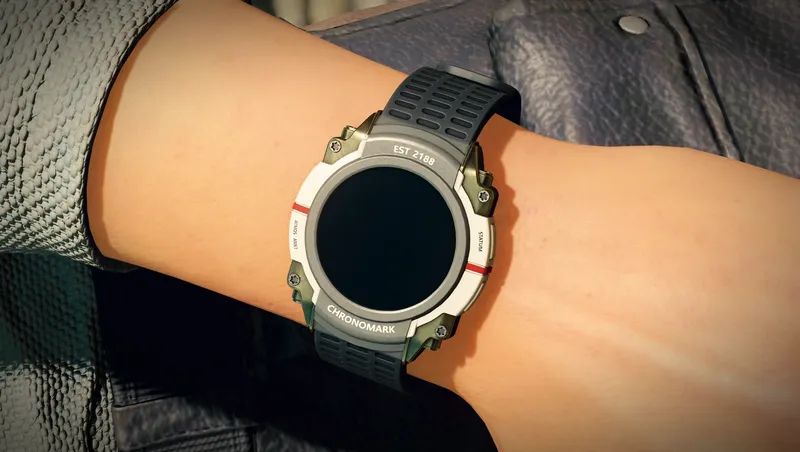
Makes the Chronomark watch visible on your left wrist, as it always should have been. Also equips the watch on other specific members of Constellation.
By sp0ckrates • 2 years ago
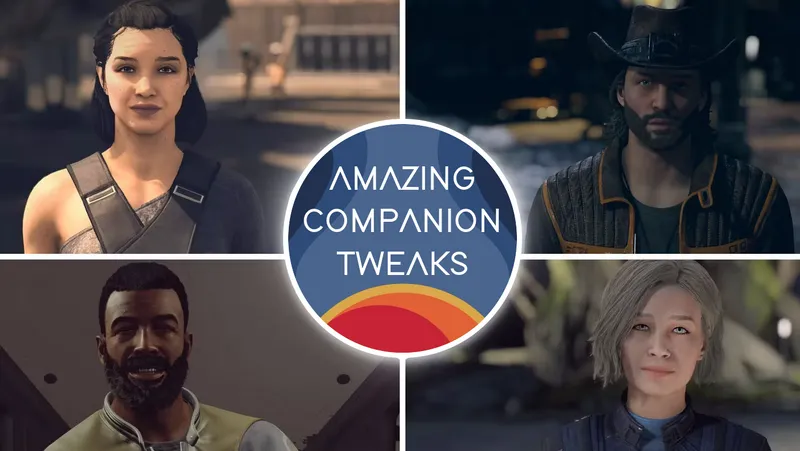
MAKES CREW AND COMPANIONS AMAZING!
By Mr.Crozzbow • 2 years ago
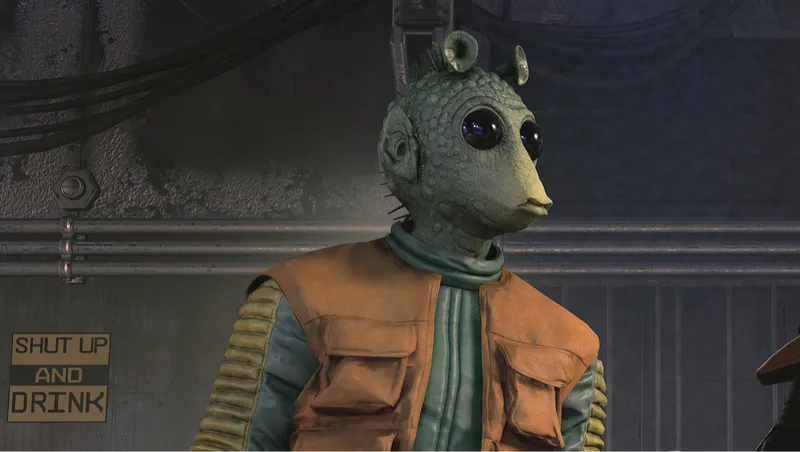
Adds a new companion: Greedo, the best bounty hunter of all time!
Quick Actions
Your Rating
Sign in to rate and review this mod—your vote helps the community.
Community Rating
Categories
Mod Information
- Published
- Nov 30, 2024
- Last Updated
- Jan 06, 2025
- Platforms
- PC, Xbox
Search Mods
Related Starfield Mods