
Enhanced Needs - Immersive Sustenance
By Nillsfriend
Community Rating
Eat, drink, and sleep!
Adds food/drink/sleep points to the player,
and the points decrease every 30 minutes of game time. When the value decreases and reaches a certain value, you get a debuff.
Whenever you eat food/drink, the points increase by the value of the item. Since it takes the value of the item, it works normally even if it is an item added by a mod. The maximum number of points that can be increased by food/drink is limited. The basic value is 400, which means that even if you eat food/drink with a value of 600, it will only increase by 4 million.
After sleeping, sleep points are restored in proportion to the time you slept.
During sleep, the decrease in food/drink points is halved.
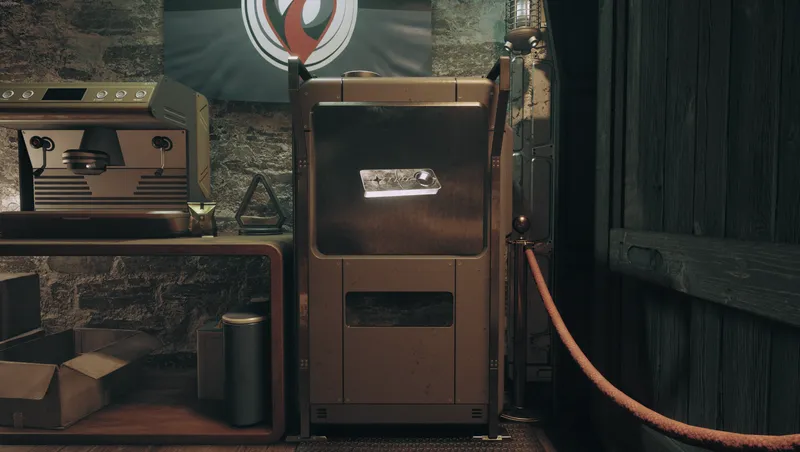
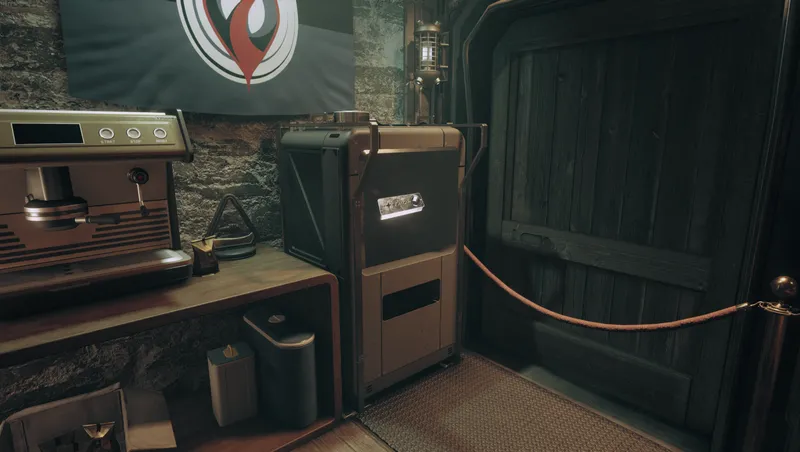
You can adjust various values with the mod setting item added to the game. If you forget setting item, craft in Pharmaceutical Lab. The adjustable values are as follows:
The decrease in food/drink/sleep points per hour The multiplier that will be multiplied by the increase in food/drink/sleep points The maximum increase in food/drink points Sleep points that will increase when you sleep for 1 hour
If you'd like to contact me regarding mods. go to the [Bethesda game Studio] Discord channel and Find Nills(nillsfriend)
1.03 Change Log
When installing a mod, the system will start in a suspended state. Start the system from the in-game settings menu item. [Debug menu] > [Start Enhanced Needs System] You can set the mult to which food/drink/sleep points decrease while sleeping and waiting. Check the [Sleep Wait Time Setting] menu. In case too much time passes due to quest cutscenes, added a system to limit this.etc. Read the settings for [TimeLimit] in the [Sleep Wait Time Setting] menu. Sleep penalty has been reduced.
1.05 Change log
Basically, the status is displayed in 7 stages after consuming food or drink, but I felt it was inconvenient because the messages did not move quickly during actual play. Add option to reduce the status messages displayed after food or drink from 7 stages to 4 stages. It is enabled by default and can be disabled in food setting or drink setting.
Release notes
Xbox
-
1.05Add option to reduce the status messages displayed after food or drink from 7 stages to 4 stages.
-
1.04test1
-
1.0011testupload
-
1.001111testupload
-
1.03When installing a mod, the system will start in a suspended state.
Start the system from the in-game settings menu item.
[Debug menu] > [Start Enhanced Needs System]
You can set the mult to which food/drink/sleep points decrease while sleeping and waiting.
Check the [Sleep Wait Time Setting] menu.
In case too much time passes due to quest cutscenes, added a system to limit this.etc.
Read the settings for [TimeLimit] in the [Sleep Wait Time Setting] menu.
Sleep penalty has been reduced. -
1.03When installing a mod, the system will start in a suspended state.
Start the system from the in-game settings menu item.
[Debug menu] > [Start Enhanced Needs System]
You can set the mult to which food/drink/sleep points decrease while sleeping and waiting.
Check the [Sleep Wait Time Setting] menu.
In case too much time passes due to quest cutscenes, added a system to limit this.etc.
Read the settings for [TimeLimit] in the [Sleep Wait Time Setting] menu. -
1.02Add Debug Menu
Features
Check Player's Food/Drink/Sleep Value
Fill Player's Food/Drink/Sleep Value tp MAX
SYSTEM ON/OFF -
1.01Fix script
-
1.00First release
PC
-
1.05Add option to reduce the status messages displayed after food or drink from 7 stages to 4 stages.
-
1.04test1
-
1.0011testupload
-
1.001111testupload
-
1.03When installing a mod, the system will start in a suspended state.
Start the system from the in-game settings menu item.
[Debug menu] > [Start Enhanced Needs System]
You can set the mult to which food/drink/sleep points decrease while sleeping and waiting.
Check the [Sleep Wait Time Setting] menu.
In case too much time passes due to quest cutscenes, added a system to limit this.etc.
Read the settings for [TimeLimit] in the [Sleep Wait Time Setting] menu.
Sleep penalty has been reduced. -
1.03When installing a mod, the system will start in a suspended state.
Start the system from the in-game settings menu item.
[Debug menu] > [Start Enhanced Needs System]
You can set the mult to which food/drink/sleep points decrease while sleeping and waiting.
Check the [Sleep Wait Time Setting] menu.
In case too much time passes due to quest cutscenes, added a system to limit this.etc.
Read the settings for [TimeLimit] in the [Sleep Wait Time Setting] menu. -
1.02Add Debug Menu
Features
Check Player's Food/Drink/Sleep Value
Fill Player's Food/Drink/Sleep Value tp MAX
SYSTEM ON/OFF -
1.01Fix script
-
1.00First release
Additional Screenshots Available
This mod has 2 additional screenshots available on the official Bethesda.net page.
View All Screenshots on Bethesda.netYouTube Videos
Community Rating & Feedback
No reviews with comments yet.
Be the first to leave a review!
Related Starfield Mods
By Nillsfriend • 1 year ago
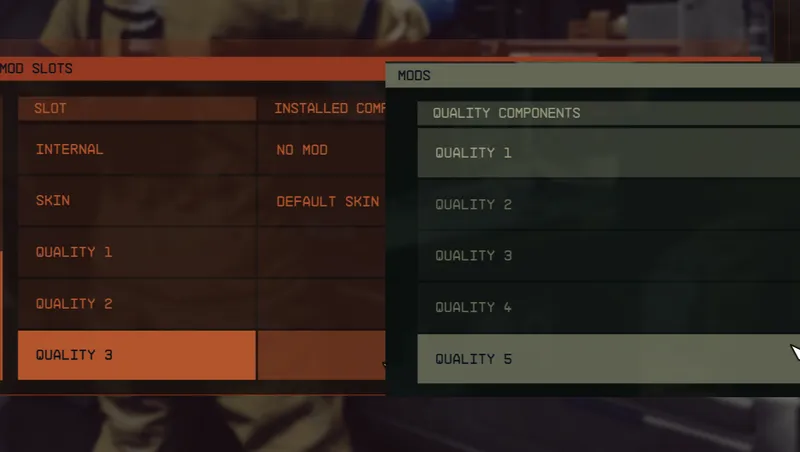
Upgrade Equipment Quality in Workbench I didn't like that Equipment quality was determined by level. So I put an ATTACH POINT on every quality [OMOD], and I put an ATTACH POINT on every piece of equi...
By Nillsfriend • 1 year ago
To reduce the number of ESMs, I combined the mods I personally used into one. All settings are disabled, and can be enabled through the in-game settings menu item. Function Infinity Cargo Hold Non...

By Nillsfriend • 1 year ago
Now you can be changed helmet visor color to use Spacesuit Workbench. For compatibility with other skin mods, I made it possible to change the visor color in Slot04. Does not apply to helmets with no...
By shadedness • 2 years ago
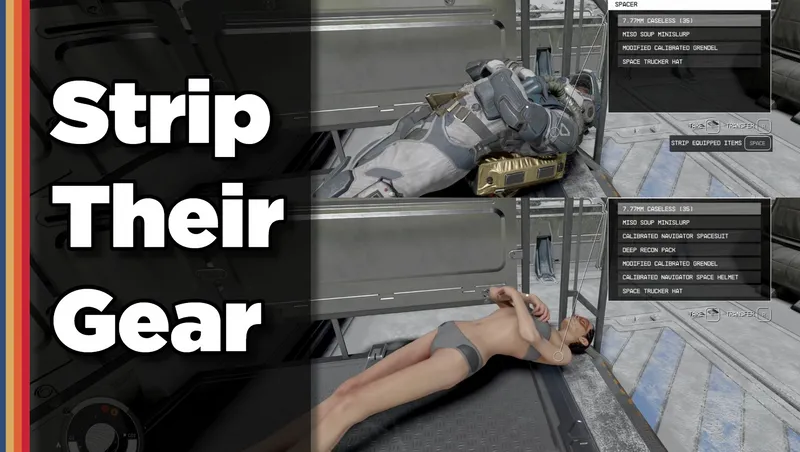
Strip any equipped armor or clothes from your fallen foes! Or simply loot-all with 1 button. Steal items from knocked-out targets instead of pick-pocketing and waking them up!
Quick Actions
Your Rating
Sign in to rate and review this mod—your vote helps the community.
Community Rating
Categories
Mod Information
- Published
- Jul 31, 2024
- Last Updated
- Aug 08, 2024
- Platforms
- PC, Xbox
Search Mods
More by Nillsfriend


Related Starfield Mods