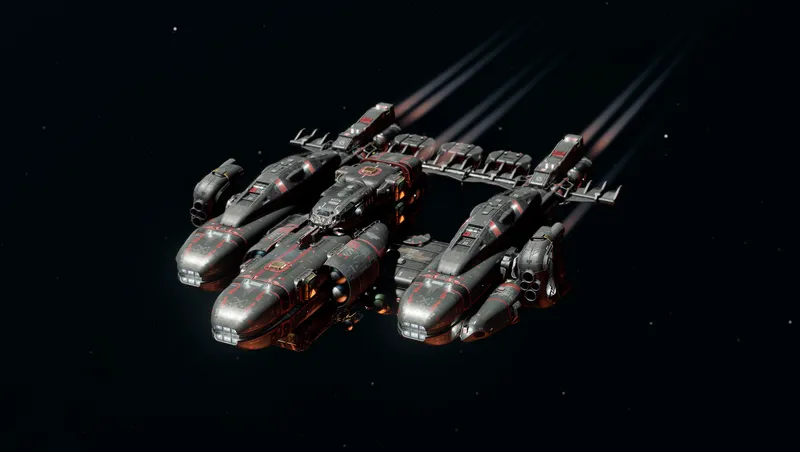
Black Widow Ship Design
By Wkbaldwin
Community Rating
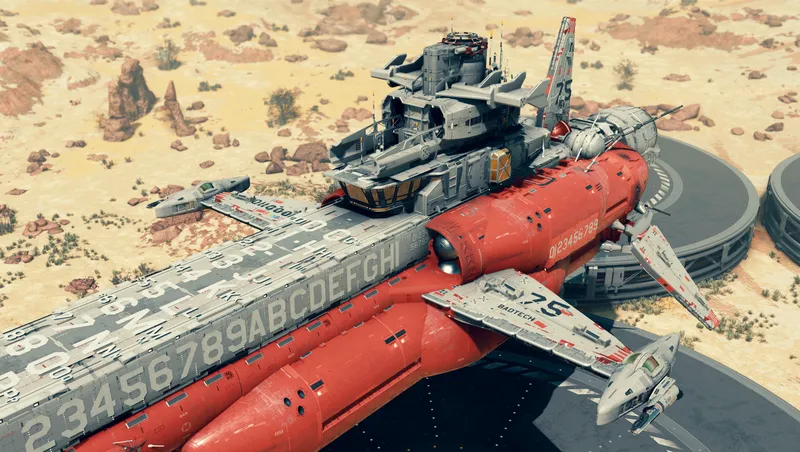
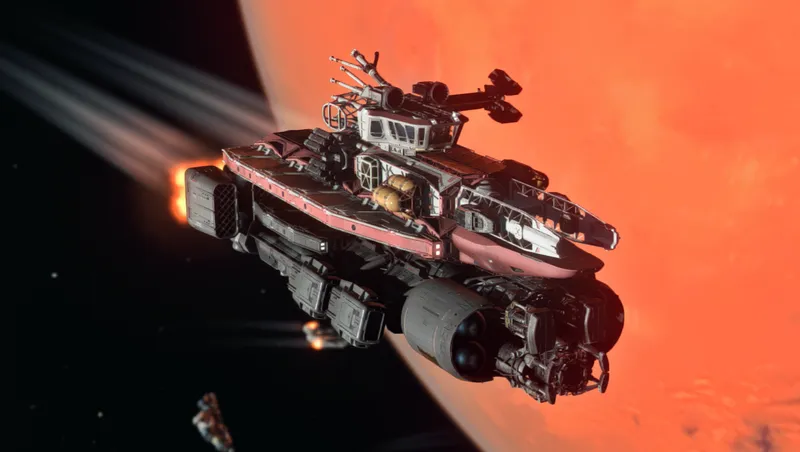
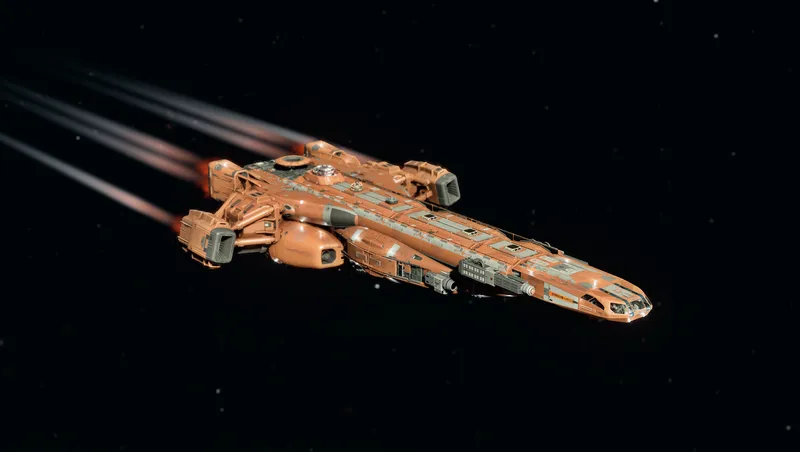
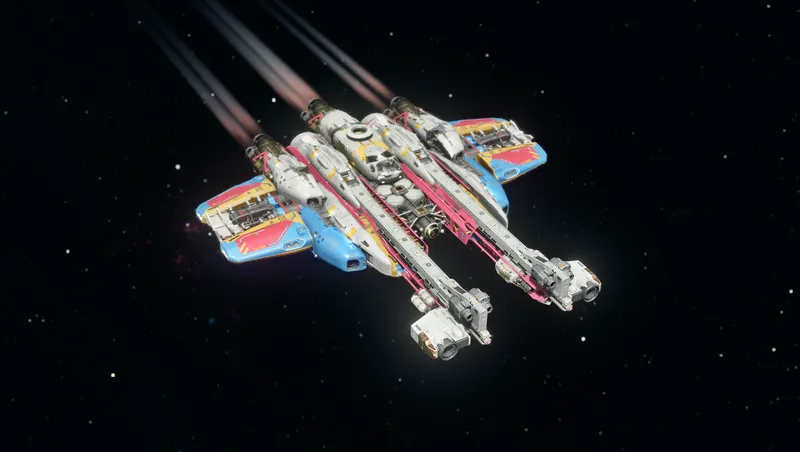
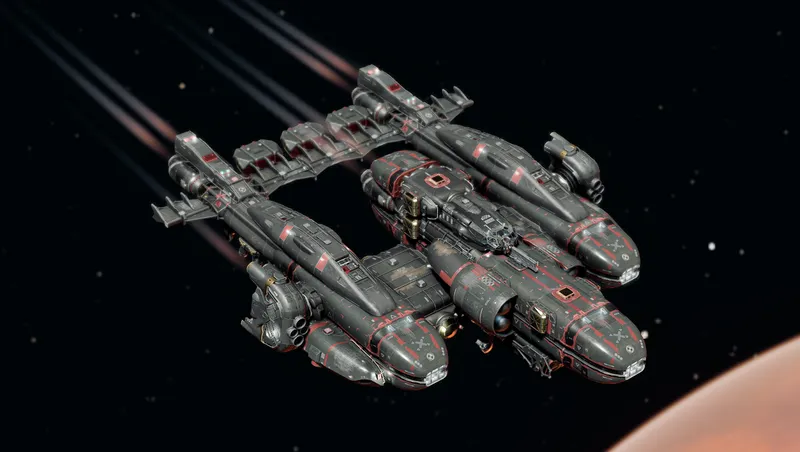
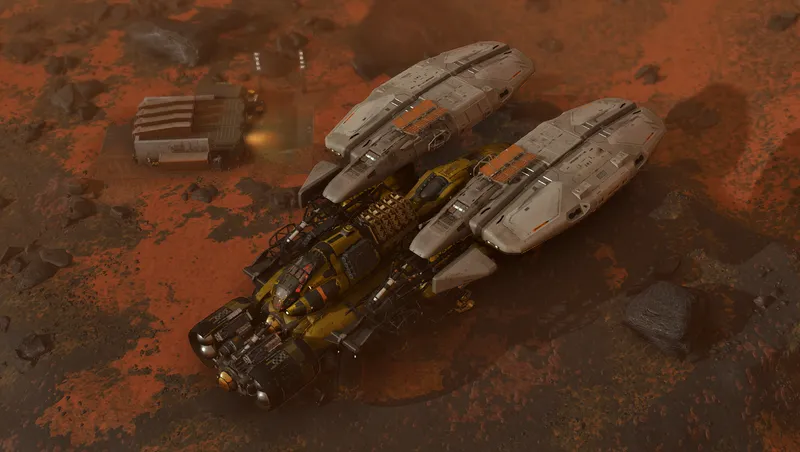
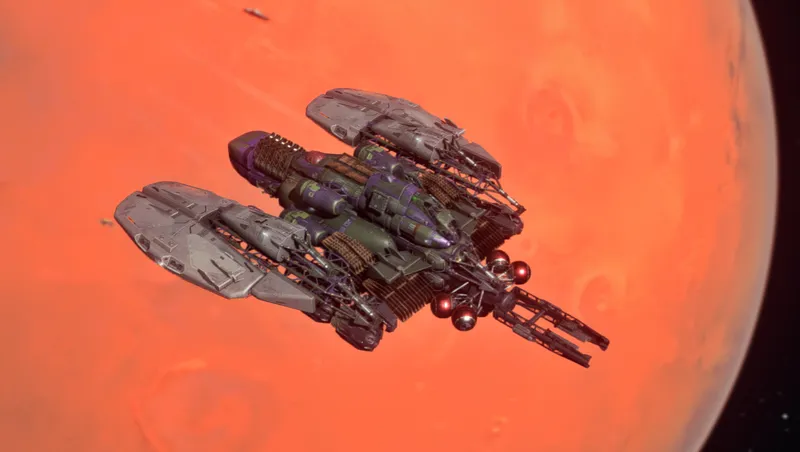
The Black Widow is a vintage design from the Earth exodus era updated for the 24th century. The builder was inspired by an old Earth WW2 twin engine twin boom aircraft known as the P-61 Black Widow that operated as a night fighter interceptor and as a reconnaissance platform. Now you can experience the nostalgia of a bygone era as you cruise through the galaxy in one of seven different Black Widow designs.
To obtain the ship you must look for a small operation located on Mars near Cydonia called BadTech Black Widow Ship. There you will find a landing area next to an old mining elevator with some kiosks. If you have made the right connections it will be there for the taking. Look for a loot chest with some credits that will aid you in acquiring the ship if you lack the funds to purchase the ship outright. Use the kiosk that reads Black Widow Services and purchase the ship you desire.
Disclaimer:
This mod does add a kiosk and a loot container to an old mining elevator location near Cydonia. The mod should work as intended unless another mod has altered this specific location.
If you decide not to keep the ship and want to remove it from your inventory there are some steps that will give you a clean save file to avoid crashes. Once you have decided to remove the ship from your inventory permanently you must revisit the BadTech Black Widow Ship site on Mars. On occasion you will find youself at some distance from the mine shaft with the kiosks after landing. If that happens just pull up your planet map not the surface map and click on the ship location and fast travel there or you can just head over on foot or in your REV-8. Once you have landed exit the ship and proceed to the kiosk that you originally purchased the ship. It should read Black Widow Ship Services. You will have to change to another ship that is not part of the Black Widow pack before you can proceed. Once you have sold the Black Widow ship or ships back to the kiosk you may exit and head back to the ship you selected in the builder. As long as you sold all of the ships from the pack you may now pilot your ship to another location. In order to make sure everything is removed from your save game I would suggest leaving the SOL system and jump to a nearby system you are familiar with. Choose a planet you can land on and simply pick a random spot that has not been discovered yet. This will insure you have no save data trying to creep back into your save file. Once you land you can get out of the ship and save the game. After you are confident you have a proper save you can exit the game. Once you are in the Main Menu you can go to Creations and uncheck the Black Widow Ship Design mod and or remove it permanently if you so choose. I wanted this option so that you didn't have to bloat your load list with ships that aren't being used. Now that the Black Widow Ship Design mod is disabled or gone you may now go back into your game and play as if you never owned the ship and should be free of any crashes. The game may ask if you want to reactivate or download the mod for you. Just decline reactivating the mod. You should be able to load the game without it at this point. If you experience crashing make sure you disabled/removed the correct mod or that you don't have a ship in your inventory from the disabled ship mod. If you are free and clear the game should run as if you never owned the ship. Of course if you want the ship back later you can enable the Black Widow Ship Design mod and it will place the ship kiosk back on Mars as well as the credits in the loot chest.
This ship is free of any mods and uses only assets from Starfield.
Enjoy!
Release notes
Xbox
-
1.01== Describe this release ==
-
1.00== The BadTech Black Widow Ship Design ==
PC
-
1.01== Describe this release ==
-
1.00== The BadTech Black Widow Ship Design ==
Additional Screenshots Available
This mod has 12 additional screenshots available on the official Bethesda.net page.
View All Screenshots on Bethesda.netYouTube Videos
Community Rating & Feedback
No reviews with comments yet.
Be the first to leave a review!
Related Starfield Mods
By GrizBane404 • 2 years ago
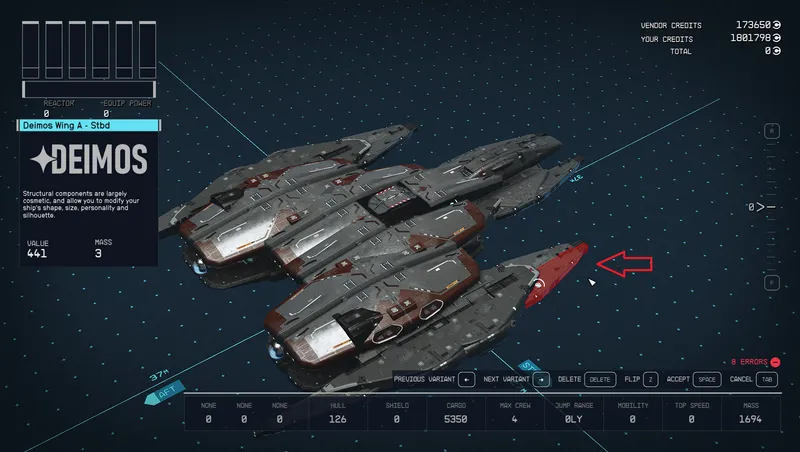
Enables construction of ships with merged/overlapping modules (without awkward "glitching" techniques), expanded part availability and a customized Ship Builder user experience.
By rux616 • 2 years ago
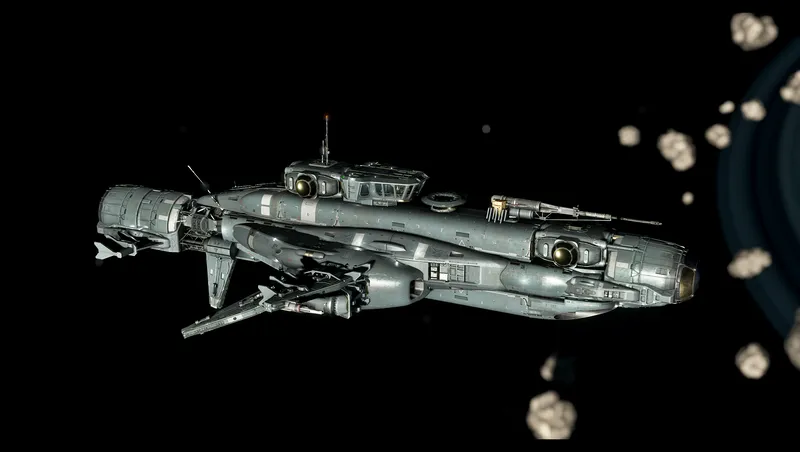
A framework allowing mod authors to easily add ships for sale without conflicts.

By Evie_Mae • 1 year ago
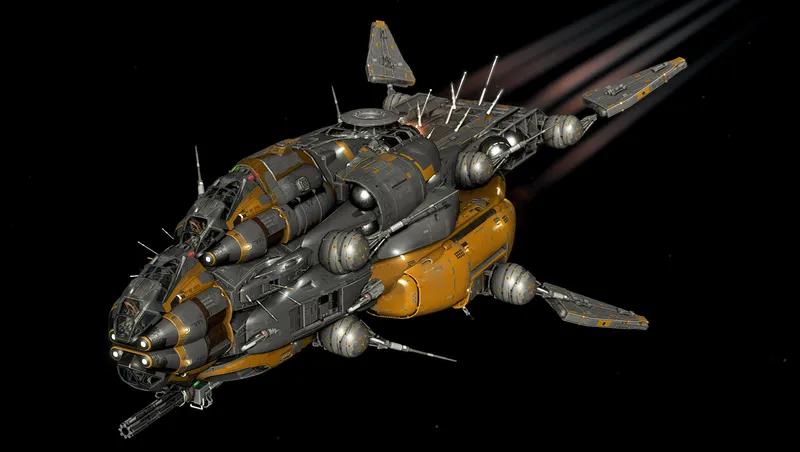
A ship with a unique take on the Deimos Staryards style.
By DownfallNemesis • 2 years ago
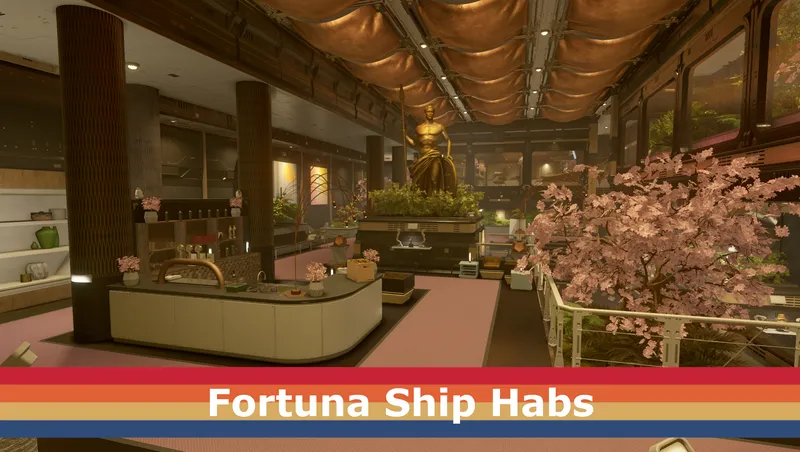
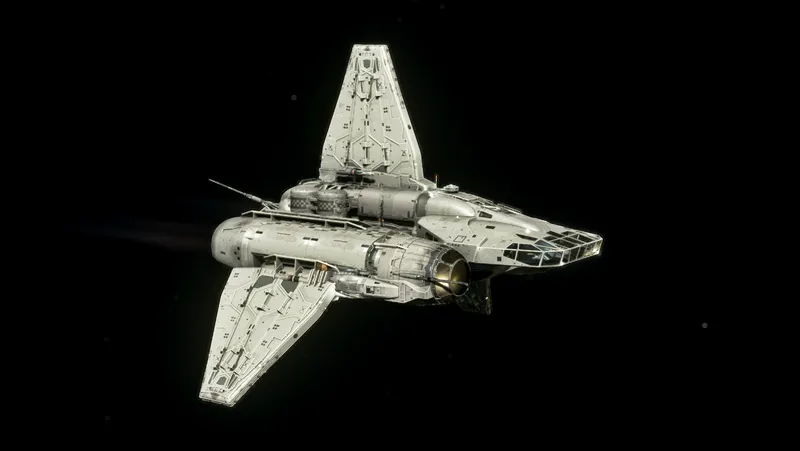
Adds two new habs from the Fortuna to the ship builder.
Quick Actions
Your Rating
Sign in to rate and review this mod—your vote helps the community.
Community Rating
Categories
Mod Information
- Published
- Sep 24, 2024
- Last Updated
- Sep 16, 2024
- Platforms
- PC, Xbox
Search Mods
More by Wkbaldwin
Related Starfield Mods