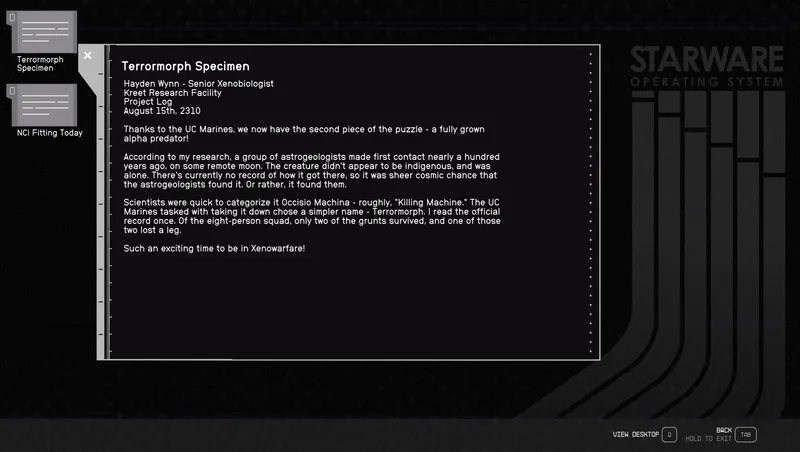
Dark Mode for Terminals
By animandan
Community Rating
FSNovask discovered an issue with interface mods that is affecting this mod as well. From their mod description:
"IMPORTANT - PC and Xbox users This mod works the first time you install it. However, changing the load order or installing another mod after this one will cause the UI to fail to load. As a temporary fix, you can uninstall the mod, completely restart the game, and re-install the mod. There is nothing you can do in terms of changing load order to fix this, as it seems to be an issue with how the game loads interface files with Creations. Please don't waste any time trying to fix the issue yourself and feel free to uninstall until the issue is resolved. Sorry for the inconvenience and thank you for your patience and support!"
The nexus version of this mod should still work in the meantime. https://www.nexusmods.com/starfield/mods/861/
Gives terminals a darker theme, and makes the terminal startup less bright as well. Now includes kiosks as well. Supports Large Menu Fonts accessibility option.
Protect your special eyes with a darker terminal theme, and makes the terminal startup less bright as well.
Went through and made the text less bright (to make it more readable with hdr) while trying to keep the colors compliant with the Web Content Accessibility Guidelines. The remaining bright backgrounds (mainly the UC ones) should be fixed as well. Please let me know if there's some more tweaks needed.
Nexus Link: https://www.nexusmods.com/starfield/mods/861/
Release notes
PC
-
1.5.0-bInitial Bethesda.net release. Packaged files and created plugin.
Additional Screenshots Available
This mod has 3 additional screenshots available on the official Bethesda.net page.
View All Screenshots on Bethesda.netYouTube Videos
Community Rating & Feedback
No reviews with comments yet.
Be the first to leave a review!
Related Starfield Mods
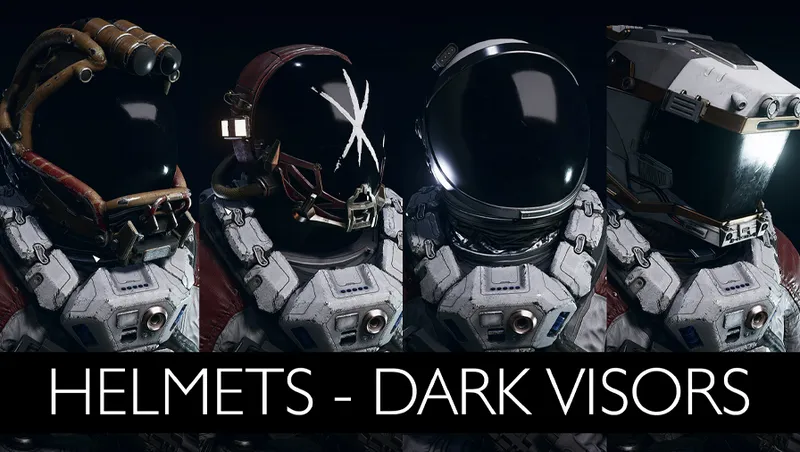
By Xtudo_ • 2 years ago
Makes non transparent the visors of 20 Space Helmets.
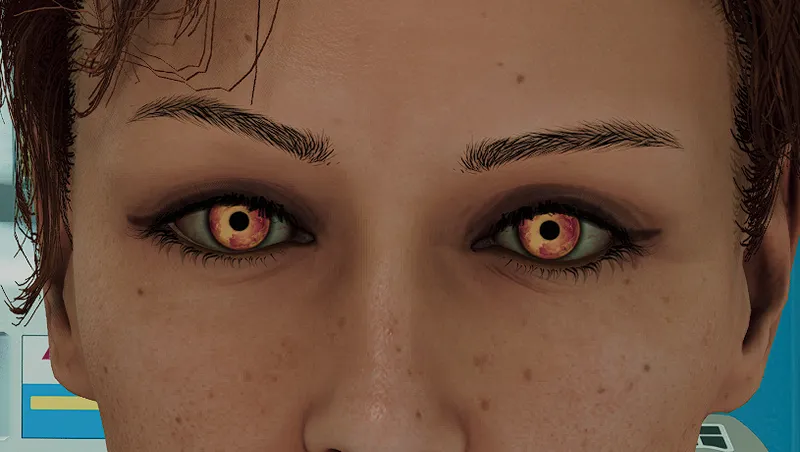
By xXArchTraitor3E99Xx • 2 years ago
Adds some sith-y eyes to replace the red devil eyes Peace is a lie, there is only passion. Through passion, I gain strength. Through strength, I gain power. Through power, I gain victory.
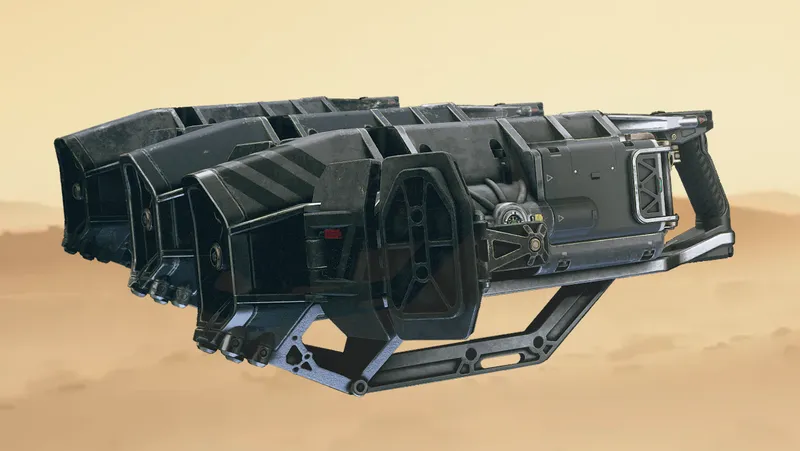
By sharmoni • 2 years ago
For all you stealthy miners out there!
By X-2357 • 2 years ago
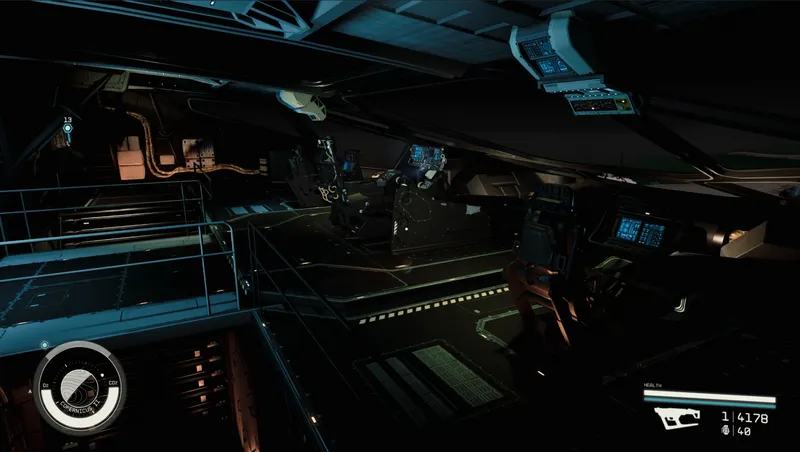
This is a retexture of every ship builder system interior, made darker.
Quick Actions
Your Rating
Sign in to rate and review this mod—your vote helps the community.
Community Rating
Mod Information
- Published
- Jun 12, 2024
- Last Updated
- Jun 12, 2024
- Platforms
- PC
Search Mods
Related Starfield Mods